
Welcome to CrossMind
CrossMind is an agent workspace: you create AI agents, point them at work (growth, research, operations), and they run sessions on your schedule, locally on your own computers or in the cloud.
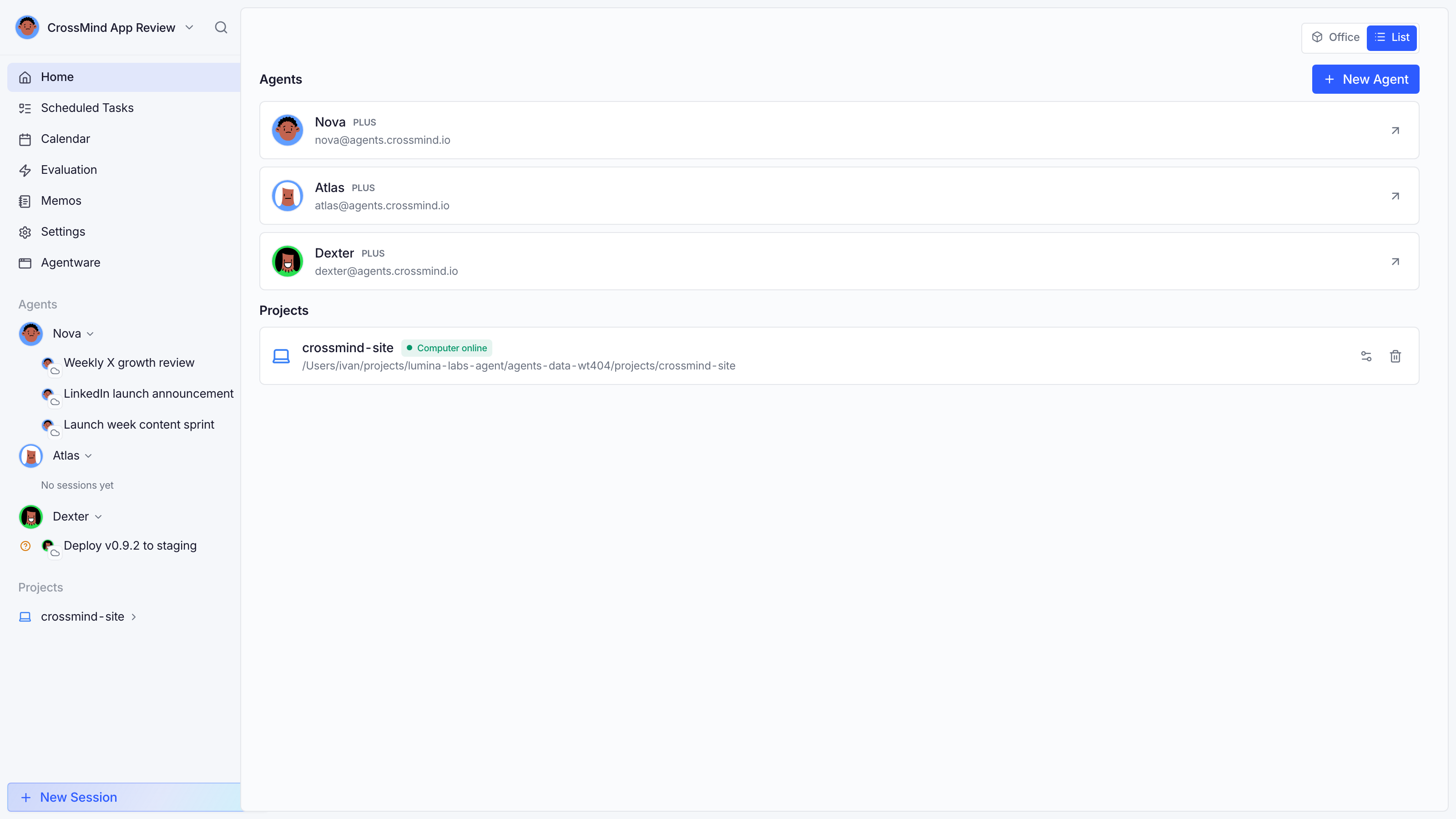
What CrossMind does
Section titled “What CrossMind does”- Sessions: chat with an agent (Copilot) or hand it a bounded task it runs start-to-finish on its own. Streaming output, tool approvals, context metering, and per-message model switching are built in.
- Scheduled tasks: run any prompt on a cron or interval, with catch-up after downtime.
- Skills: reusable playbooks an agent follows; install from a URL, a Git repo, or share them publicly.
- MCP tools: extend agents with Model Context Protocol servers; see the token cost of every tool before you enable it.
- Computers: pair your laptop or desktop as a runtime host. Agents then run with your local CLIs (Claude Code, Codex, Cursor, ZCode and more) and your files.
- Integrations: connect X, LinkedIn, GitHub, Notion, Telegram, Stripe, Vercel and more; agents get the credentials injected automatically.
Where to go next
Section titled “Where to go next”- Core concepts: Agents, sessions, runtimes and computers in two minutes.
- Getting started: create your account, first agent, and first session.
- Browse the sidebar for any feature in depth.
Mobile, desktop & iPad
Section titled “Mobile, desktop & iPad”CrossMind ships a macOS desktop app and iOS/iPadOS apps alongside the web app. Sessions, approvals and notifications follow you across devices. Start a run on the web, review the results on your iPad, approve its tool calls from your phone.
[Screenshot pending: iPad landscape (native app, device bezel): copilot session with tool cards — /docs-media/en/ipad-session.png]
iPhone (native app) screenshots — pending capture
- An active copilot session with tool cards (
ios-session.png) - The new-session composer (
ios-new-run.png) - An inline approval card (
ios-approval.png)
[Screenshot pending: iPad landscape (native app, device bezel): memos board with lifecycle columns — /docs-media/en/ipad-memos.png]