
The calendar renders every enabled task schedule in time, so you can see the agent workload at a glance: when digests fire, when scans run, and where the gaps are.
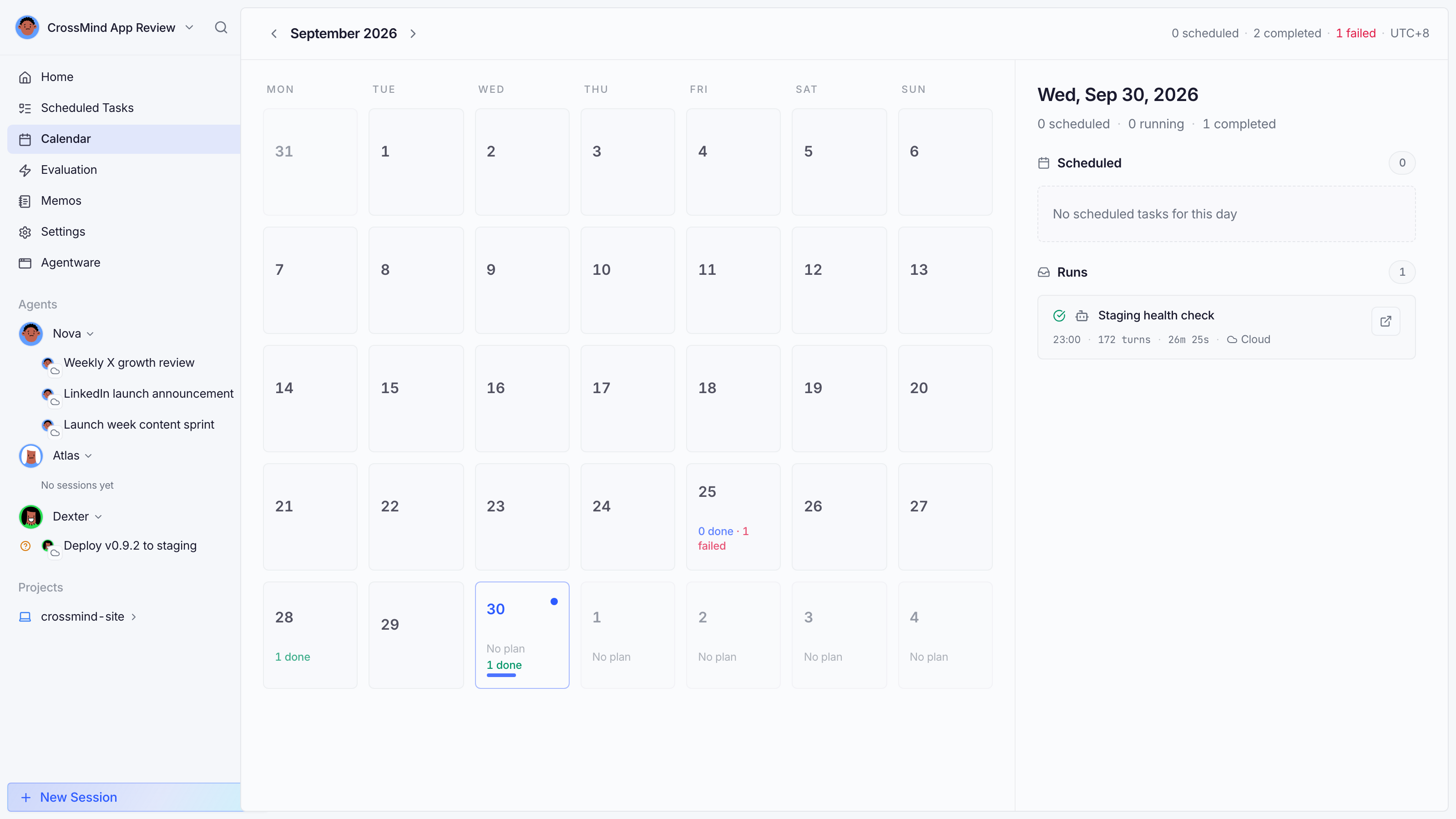
- Schedule entries appear at their fire times, colored per agent.
- Click an entry to jump to the task (or create a new task right from a slot with the ”+” button).
- Active-period rules (weekday-only windows, morning/night slots) are respected: a schedule that only runs on weekdays doesn’t appear on weekends.
Use the calendar together with Memos: memos marked Ready hand work to an agent on its next run, so you can drop items onto a specific day without editing the schedule.