
Orchestration
Complex work often needs more than one agent. With orchestration, a leader session proposes a plan, you confirm it, and each item runs as a member session on the agent you assigned, in parallel, with the leader merging results.
The flow
Section titled “The flow”- Ask a leader agent something multi-part (“plan launch week: research the angle and prep the staging checklist”).
- The leader proposes a plan: a card lists each item and the agent it would delegate to.
- You confirm, edit, or reject the plan card. Nothing runs until you do.
- Member sessions spawn and stream independently. The leader conversation shows their progress inline.
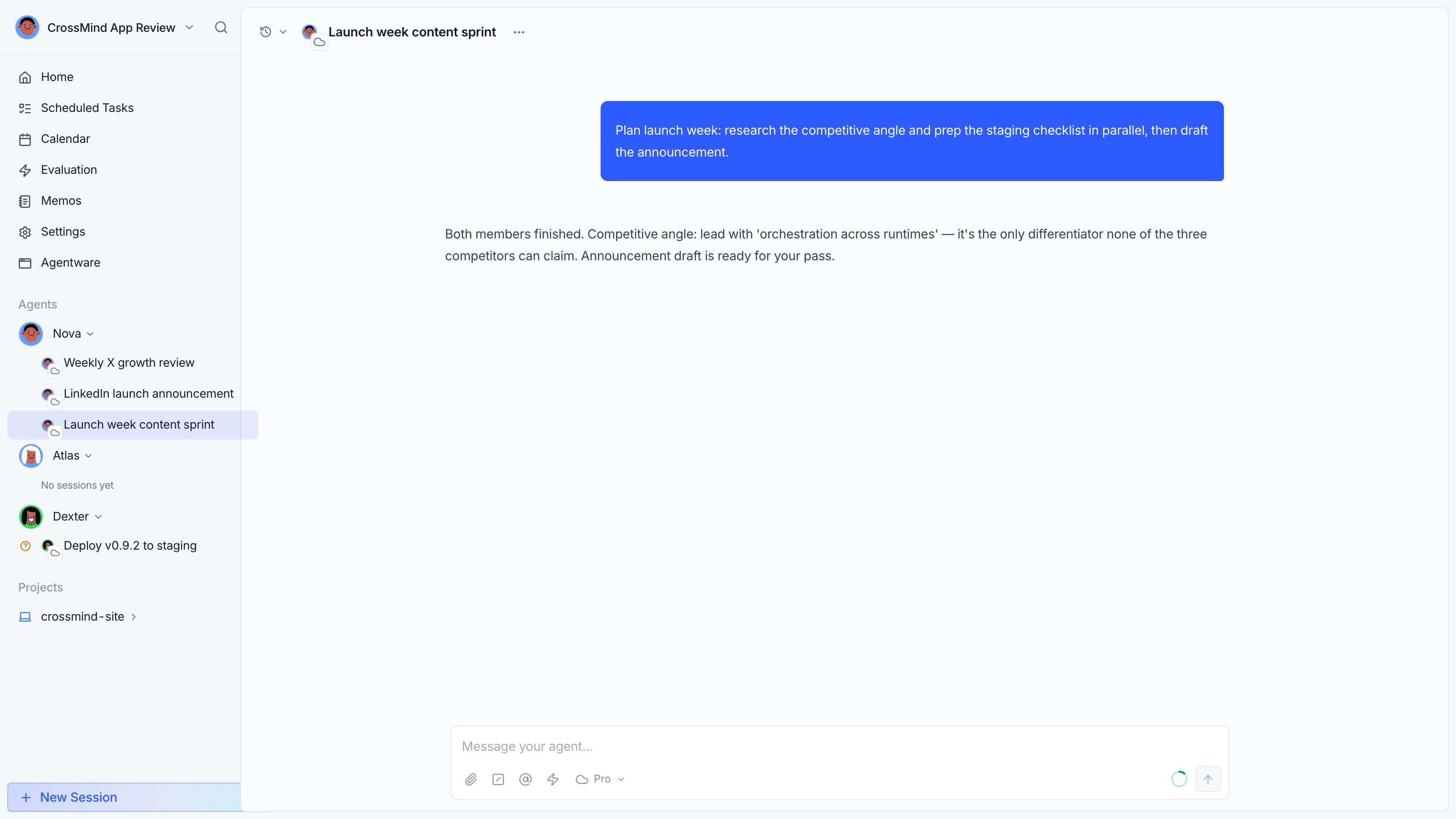
Every member session is a normal session: you can open it, read its history, and it stays attributed to its own agent.
Unified todos
Section titled “Unified todos”The leader session carries a todo panel tracking plan items as they complete, so the state of a multi-agent run is visible in one place.
What leaders are allowed to do
Section titled “What leaders are allowed to do”Orchestration is opt-in per capability in the agent’s profile settings:
| Toggle | Grants |
|---|---|
| Cross-runtime | Spawn sessions on a different runtime or execution host than its own |
| Cross-agent | Spawn sessions owned by other agents in the organization |
| Local directory | Spawn sessions against a project directory |
All three default to off. An agent can only fan out beyond its own conversation after you allow it. Orchestration also respects plan quotas: member sessions count like any other run.