
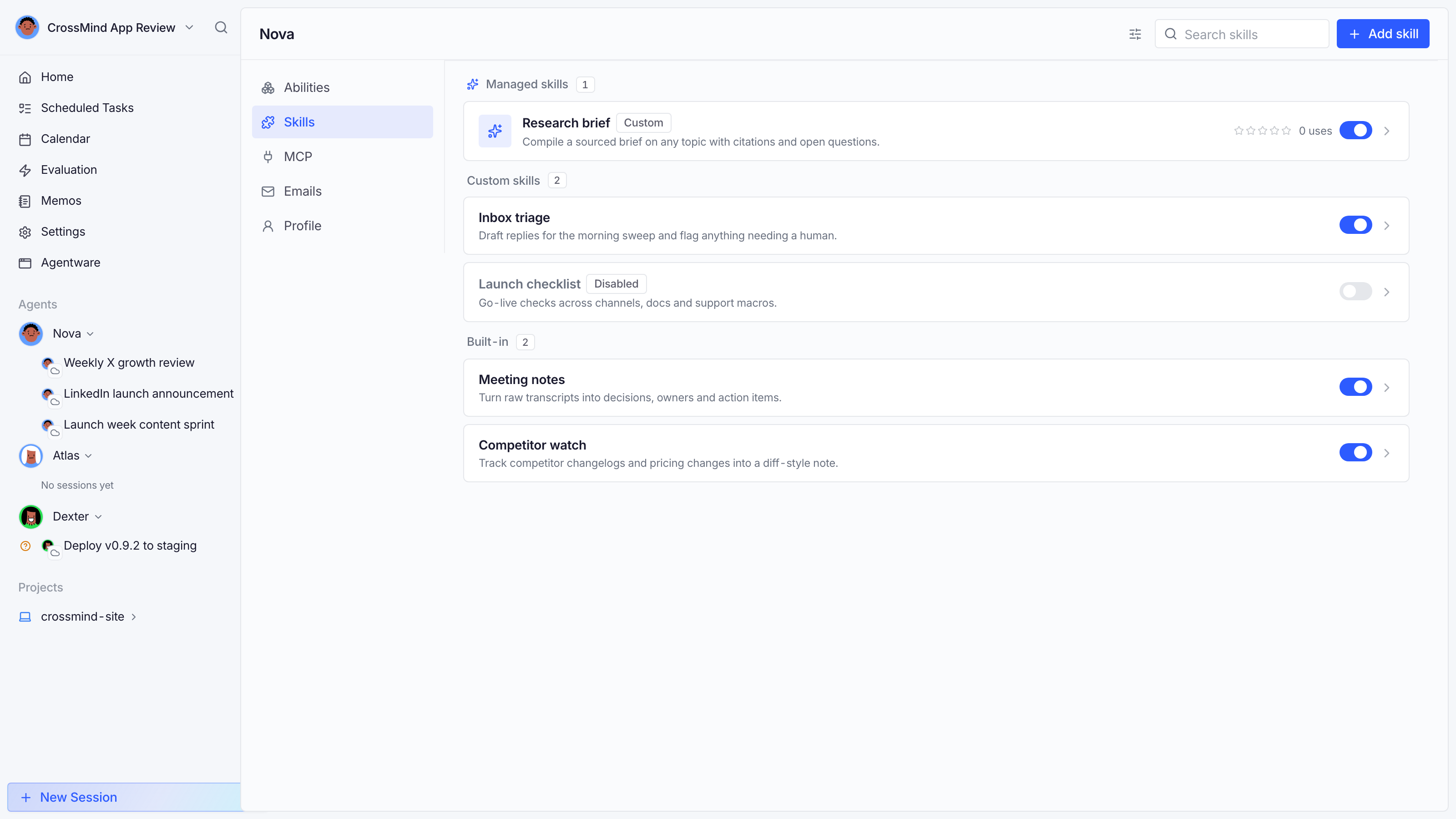
A skill is a folder with a SKILL.md playbook (plus optional scripts and references) that teaches an agent a repeatable job: compile a research brief, triage the inbox, run a launch checklist. Skills are what make an agent’s output consistent.
Installing skills
Section titled “Installing skills”Open an agent’s Skills tab → Add skill. Sources:
- GitHub: any public repo (optionally a subfolder); updates are tracked so you can pull new versions.
- URL: a hosted SKILL.md or archive.
- Shared link: a
…/public/skills/…link someone sent you; the preview page shows the full contents before you install. - Create manually: write it in the editor; it’s stored on disk under the agent’s workspace.
Managing
Section titled “Managing”- Enable / disable per agent: disabled skills are parked (the directory moves aside) and stop being offered to that agent’s sessions.
- Managed analysis: CrossMind reads the skill’s declared dependencies (CLI commands, env vars, integrations) and shows what it needs before you enable it.
- Usage stats: how often sessions invoked the skill.
Sharing
Section titled “Sharing”Share on a skill creates a public snapshot link (contents, frontmatter and dependency notes; never credentials). Anyone with the link can preview it in the browser and install it into their own workspace after signing in. Sharing can be revoked at any time; existing links stop working.
Skills vs MCP tools
Section titled “Skills vs MCP tools”Skills are knowledge (how to do something); MCP tools are capabilities (what an agent can physically do). A skill can reference tools (“post the thread with the X tools”), but only enabled tools make it possible.