Small, high-impact polish this cycle: memos are smarter about when they interrupt your agent, model selection is now consistent wherever you see it, and the task progress view is cleaner to read at a glance.
Memos Open Fresh Sessions — No More Context Confusion
When you send a memo to your agent, it now always goes into a dedicated new session — rather than appending to whatever session was most recently active.
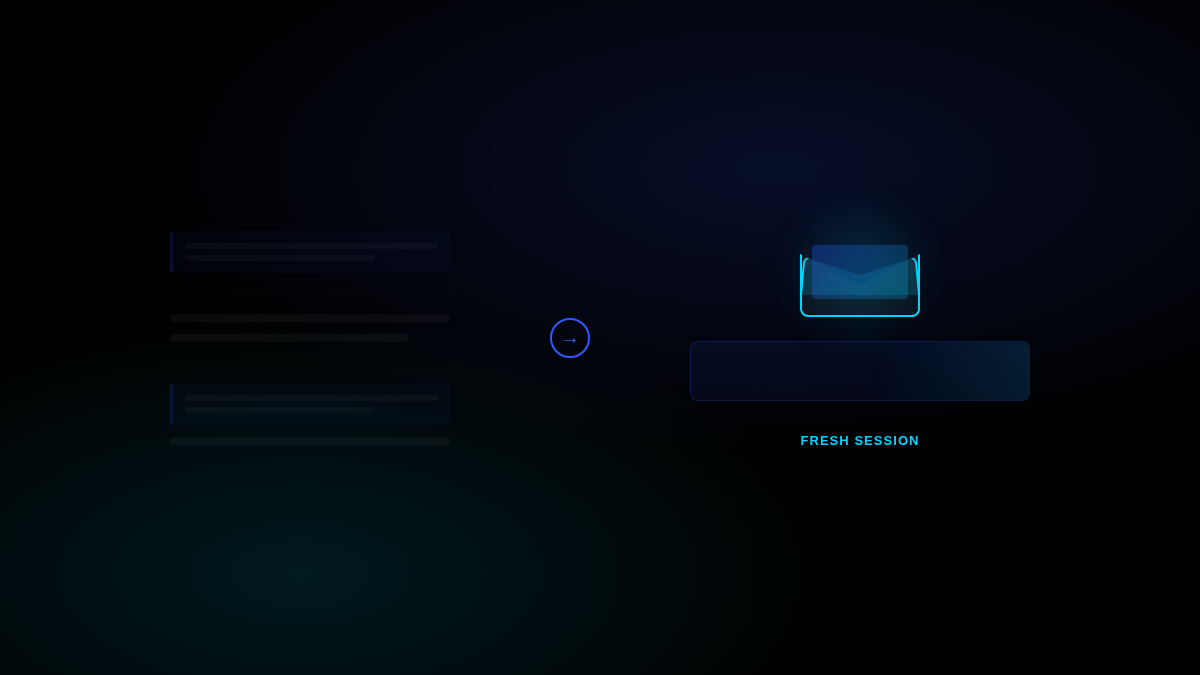
This sounds like a small detail, but it fixes a subtle problem: memos sent mid-task could land in the middle of an ongoing session, where the agent might treat them as task-continuation messages rather than new directives. Now each memo is treated as a clean handoff — the agent reads it fresh, without surrounding context that could distort the interpretation.
If you had a preferred session open, the new memo session inherits the same persona and model settings so the experience stays consistent.
What you notice: Memos you send in the middle of an active task arrive cleanly, and the agent’s response is directly about what you asked — not tangled up with whatever it was doing before.
Model Choices Are Now Consistent Across Schedules
When setting up or editing a schedule, the model selector now shows the same structured list you see elsewhere: workspace default at the top, then platform presets, then any custom BYOK models you’ve added.
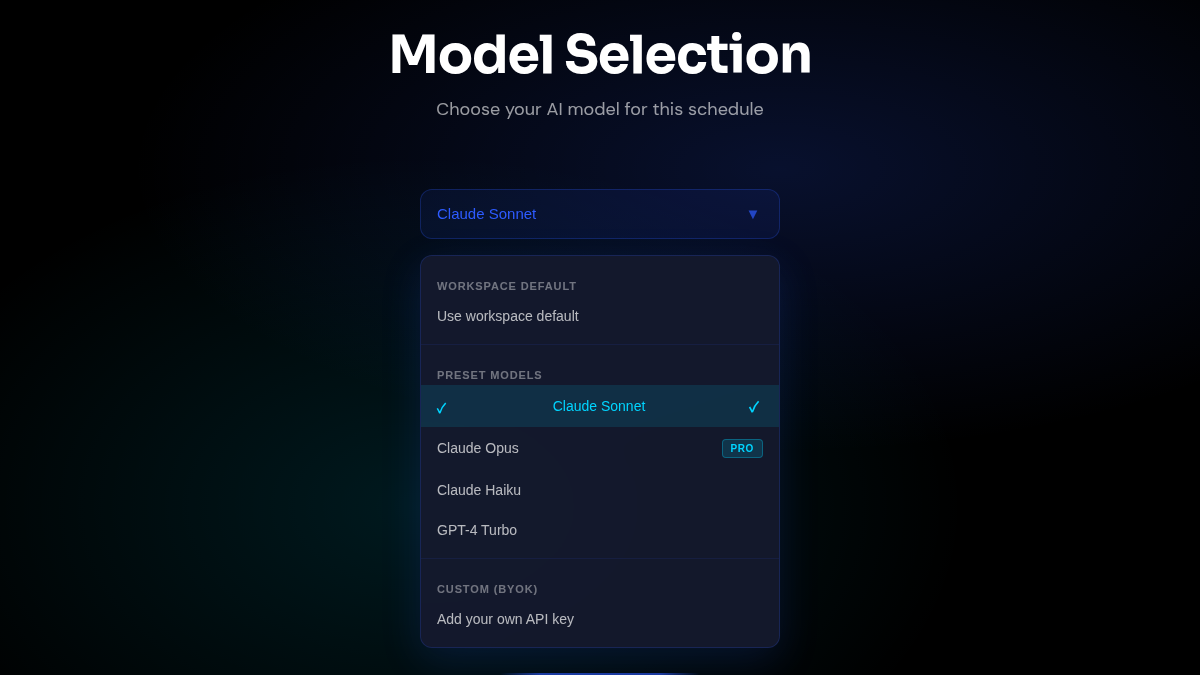
Previously, the schedule editor had a simplified dropdown that didn’t clearly show which model was the default or distinguish between preset and custom options. If you’d added a custom model through Settings, it wasn’t obvious it was available for specific schedules.
Now it’s all in one place: you can see exactly what each schedule will run on, and choosing a custom BYOK model for a specific automated task is straightforward.
What you notice: The model dropdown in the schedule editor looks and works the same as the one in copilot settings — no surprises about what model your automated runs are using.
Task Progress Panel Gets a Visual Upgrade
The task progress panel — the component that shows your agent’s to-do list as it works through a copilot session — has been visually refined to sit better alongside the message composer.
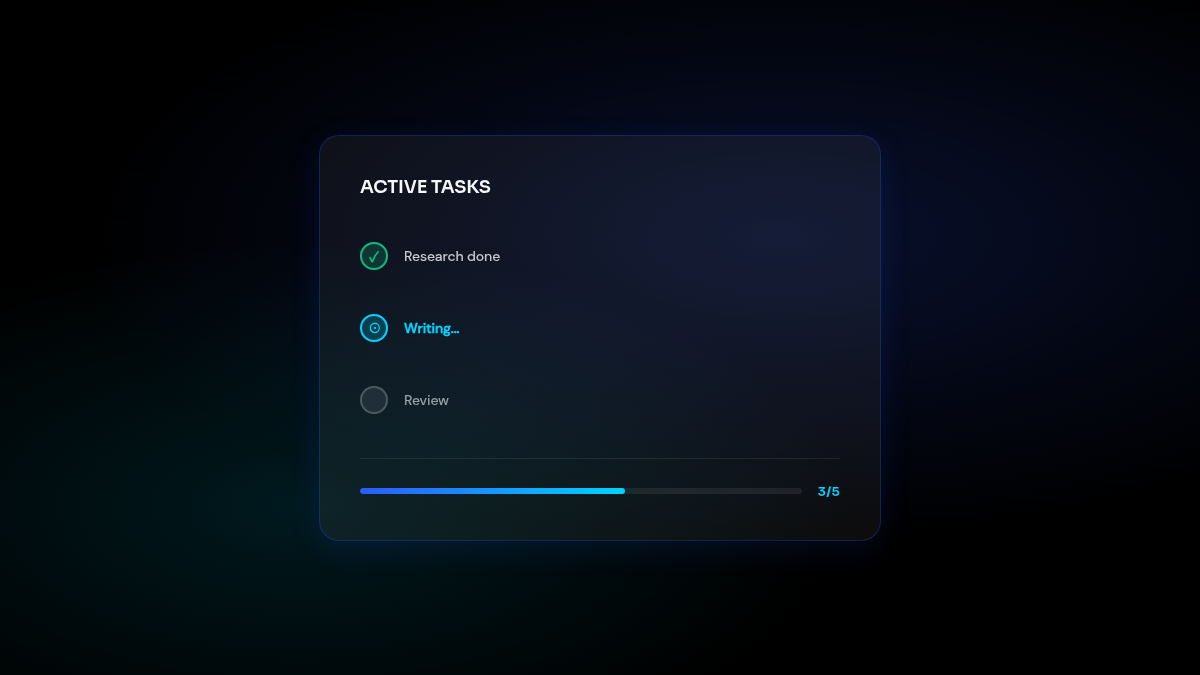
The panel now uses a gradient background and tighter visual hierarchy when connected to the input area, making the active task state feel like a cohesive part of the workspace rather than a floating element. Progress counts, in-progress tasks, and completed items are easier to scan at a glance.
What you notice: When your agent is working through a multi-step task, the progress summary at the top of the input area looks more polished and is easier to read without expanding it.
Also Improved
- Dashboard navigation — The top-level nav bar now stays consistent regardless of which panel is open, fixing a layout behavior where headers would shift when switching between sections
- Memos navigation — Navigating to memos from the sidebar is more direct, with the quick-action component streamlined into the main flow