This update puts more control in your hands: choose which AI model powers your agent (or plug in your own key), manage browser-based tasks right from the schedule panel, and benefit from smarter failure recovery when things don’t go as planned.
Pick Your Model — Or Bring Your Own Key
Your agent can now run on different AI models, and you can choose which one fits your needs best. If you already have an API key for a specific model, you can plug it in directly instead of using the default.
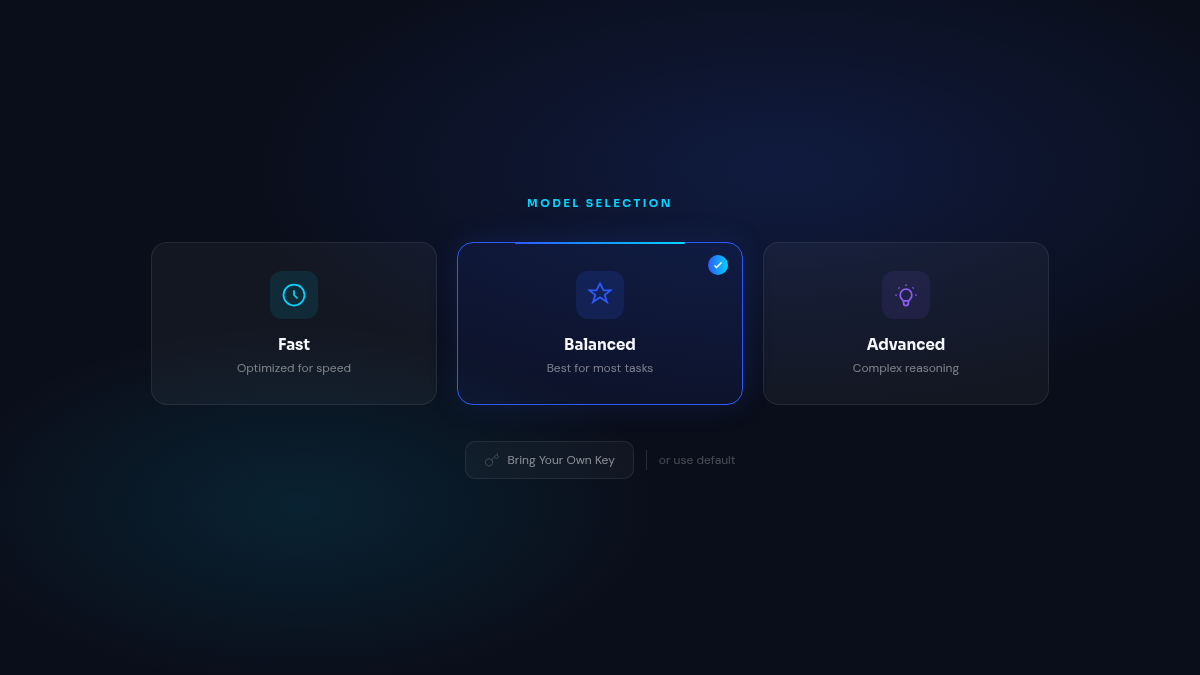
This matters because different models excel at different things — some are faster for routine tasks, others are better at complex reasoning. Being able to switch means you can optimize for speed, cost, or quality depending on what your agent is doing.
What you notice: A redesigned model picker in copilot settings where you can select a model tier or enter your own API key. The controls are cleaner and the whole flow is more intuitive.
Browser Tasks, Controlled From Your Schedule
Tasks that need a browser — scraping pages, filling forms, navigating sites — can now be configured directly when you set up a schedule. You choose whether a scheduled run should launch a browser, and whether it should reuse your saved browser profile.
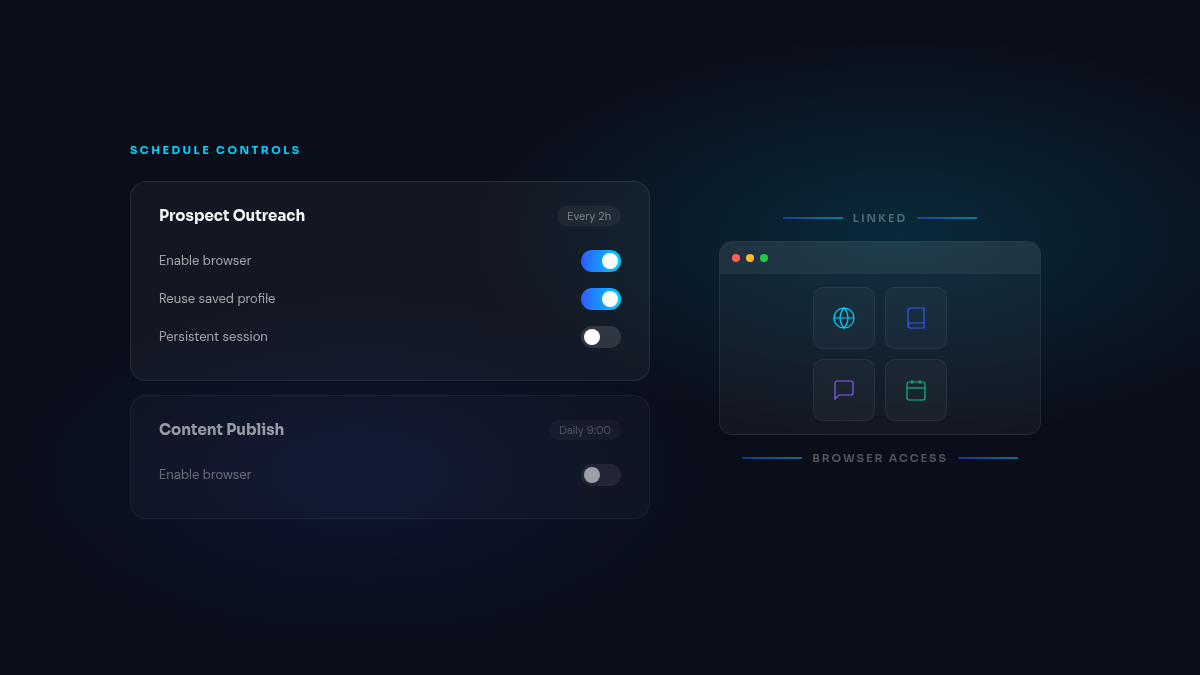
Previously, browser access was a separate setting that wasn’t always obvious when configuring a recurring task. Now it’s part of the schedule creation flow, so you can see exactly what each automated run will and won’t have access to.
What you notice: When editing a schedule, you’ll see browser mode options directly in the controls — no hunting through separate settings pages.
Autonomous Runs Recover More Gracefully
When an autonomous task runs into a structured output error — where the AI returns something the system can’t process — the agent now retries with a clearer prompt before giving up entirely. If retries are exhausted, the run fails cleanly instead of getting stuck in a loop.
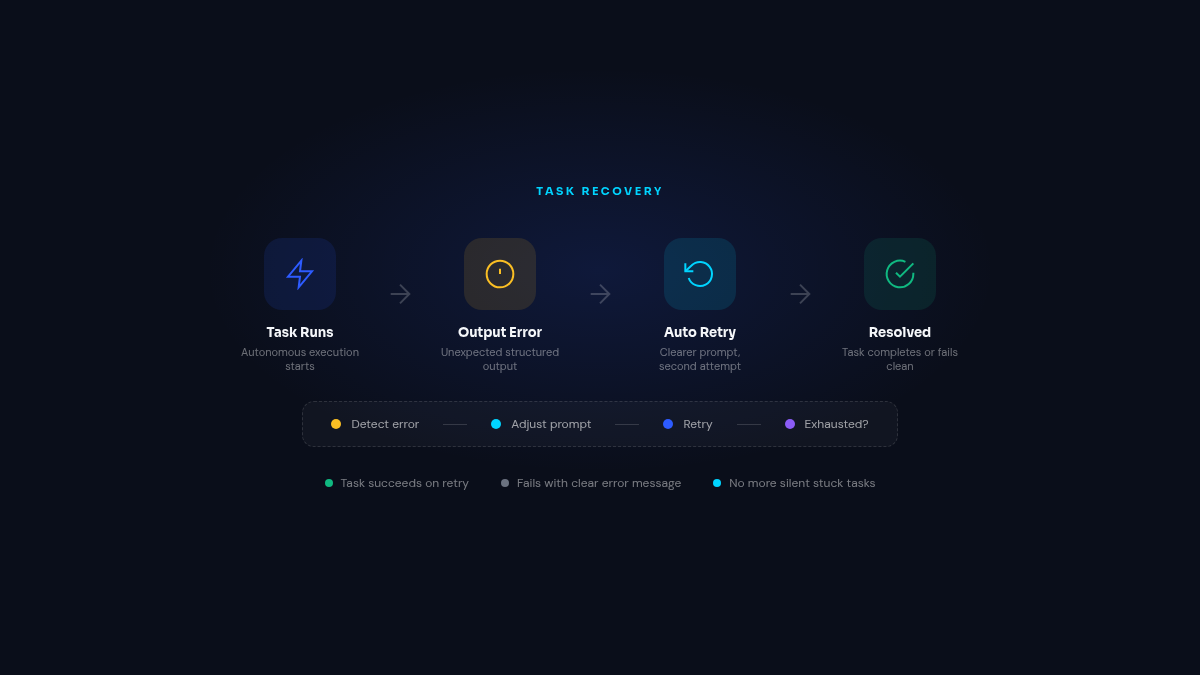
What you notice: Fewer mysterious stuck tasks. When something does fail, the error message is more specific about what went wrong, making it easier to decide whether to retry or adjust the task.
Also Improved
- Task performance tracking — Backend analytics events now fire for key task lifecycle moments, giving better visibility into how your automations perform over time
- Orphan session cleanup — Diagnostic improvements help identify and clean up sessions that get disconnected, keeping the system running smoothly