This update makes the work your agents do every day more reliable and easier to manage — from outreach tasks that post and engage across social platforms, to browser tasks that now recover on their own, to schedules that are clearer and faster to review.
Social Outreach Tasks Are More Reliable
When your agent runs outreach — posting on Twitter, engaging on LinkedIn, or participating in Reddit threads — those actions now go through a more robust foundation.
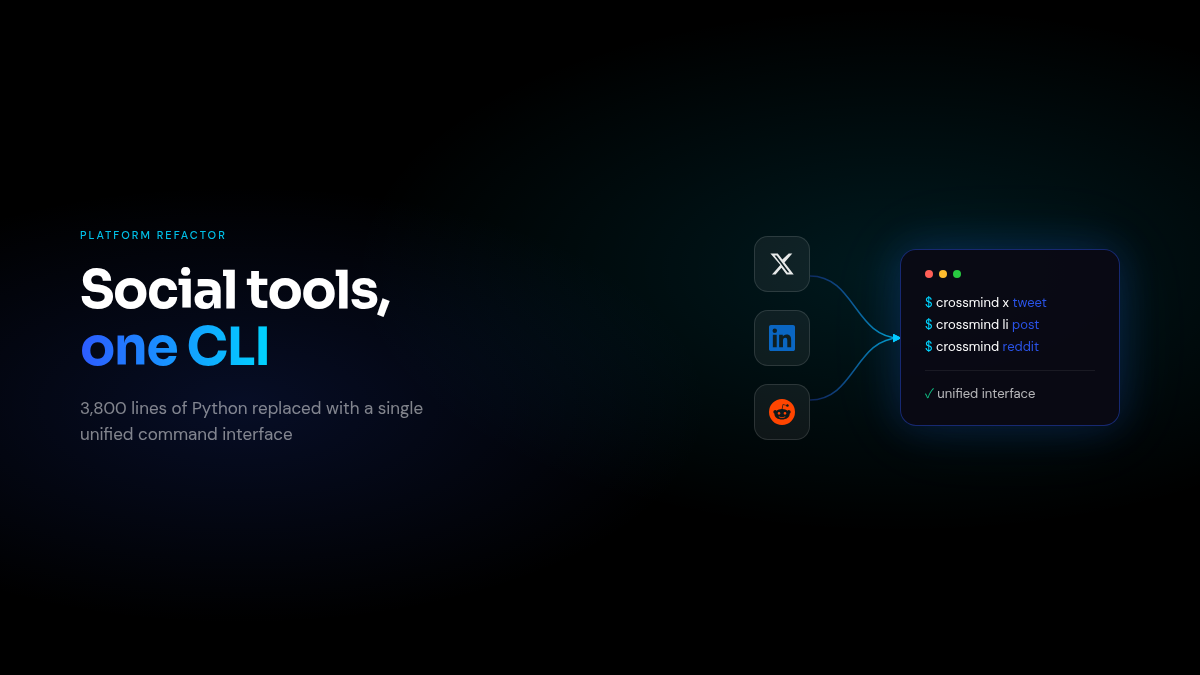
In practice this means fewer interruptions during multi-step outreach sequences, better handling when platform authentication needs to be refreshed, and consistent behavior across all three platforms. The activity feed continues to show every social action your agent takes, with cleaner labels that are easier to read at a glance.
What you notice: Outreach campaigns run through to completion more consistently. Less manual intervention when a platform behaves unexpectedly.
Browser Tasks Recover Faster
Tasks that use the browser — filling out forms, navigating pages, scraping data — are now more self-sufficient when they hit a snag.
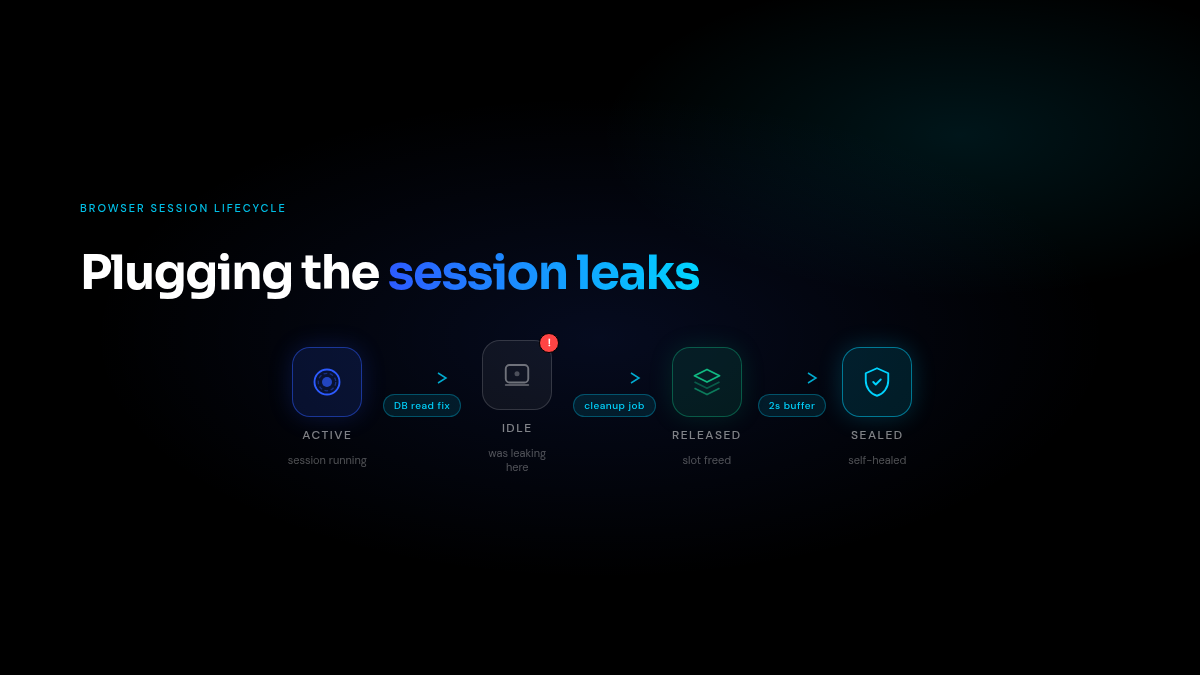
If a browser session gets stuck or fails to start, the system now detects this earlier and retries automatically before surfacing the issue to you. Background cleanup also runs more reliably, so browser slots don’t get silently occupied by sessions that have already finished.
What you notice: Browser tasks that previously required a manual restart now recover on their own. You spend less time debugging why a task is stuck and more time seeing results.
See Your Email Before It Goes Out
For tasks that send emails, you can now preview exactly what the email will look like — directly in the schedule panel — before triggering a send.
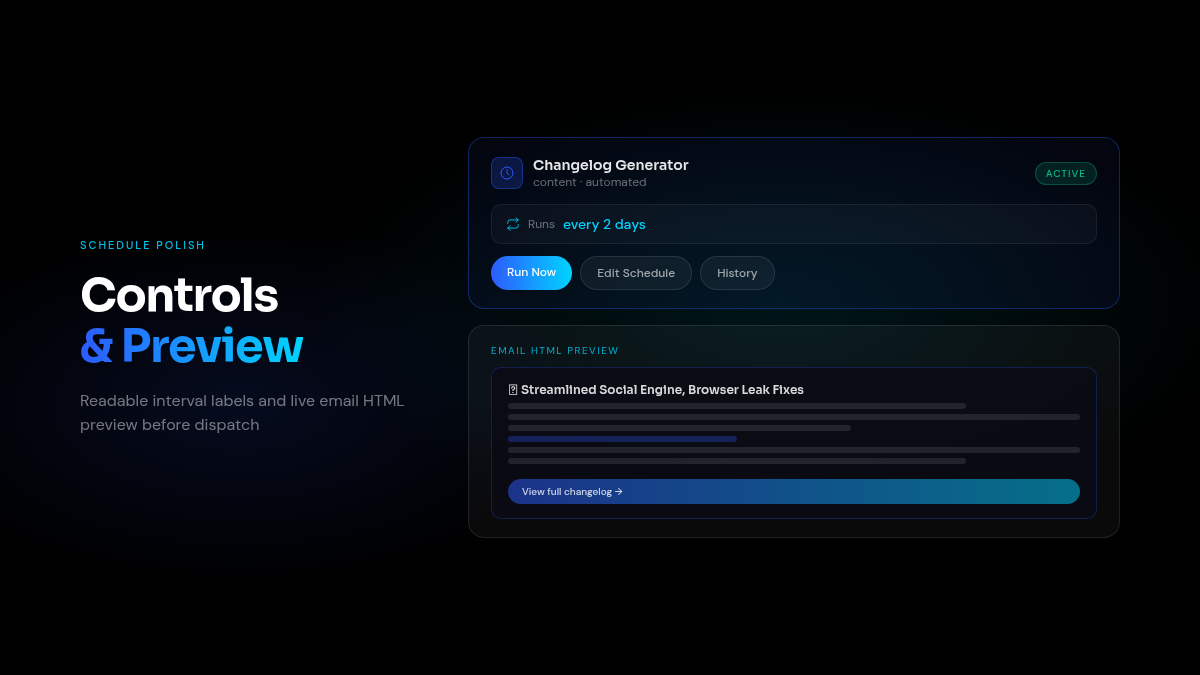
Schedule controls have also been polished: interval labels now read as plain English (“every 2 days”), and the layout of run controls is cleaner and more consistent.
What you notice: You can verify email formatting and content with one click, without needing to run a test send first.
Also Improved
- Browser tasks use your saved profile — Tasks that need browser automation now reliably connect to your configured browser profile, so sites where you’re already logged in stay logged in
- Session history in the right order — Copilot session history now displays in chronological order, making it easier to find the run you’re looking for
- Failure messages are up to date — When a task fails and is retried, the reason shown always reflects the most recent attempt