DeepSeek, running on your machine
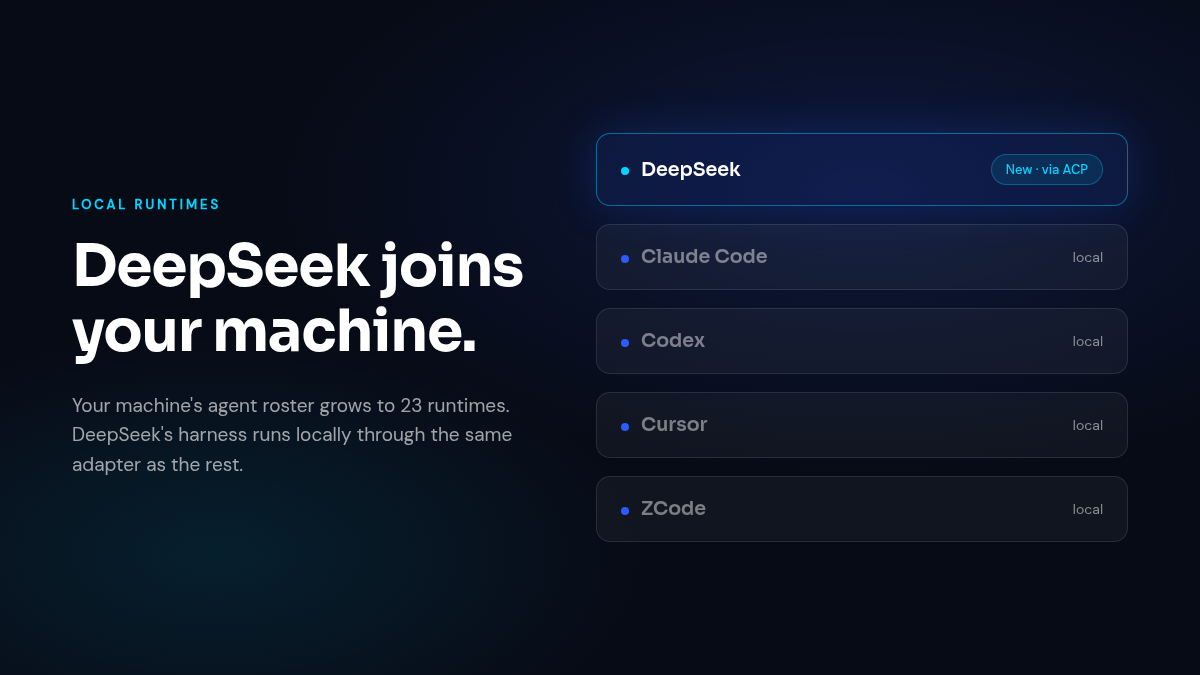
Bring your own agents means the roster keeps growing. DeepSeek’s agent harness now runs as a local runtime on your computer — the 23rd in the roster — and it speaks the same protocol as the rest. Session resume, your MCP servers, and AGENTS.md skills all work through the same adapter every other runtime uses, so DeepSeek behaves like a first-class citizen rather than a bolt-on. If DeepSeek is already part of your workflow, it’s now part of CrossMind too.
One machine, every organization
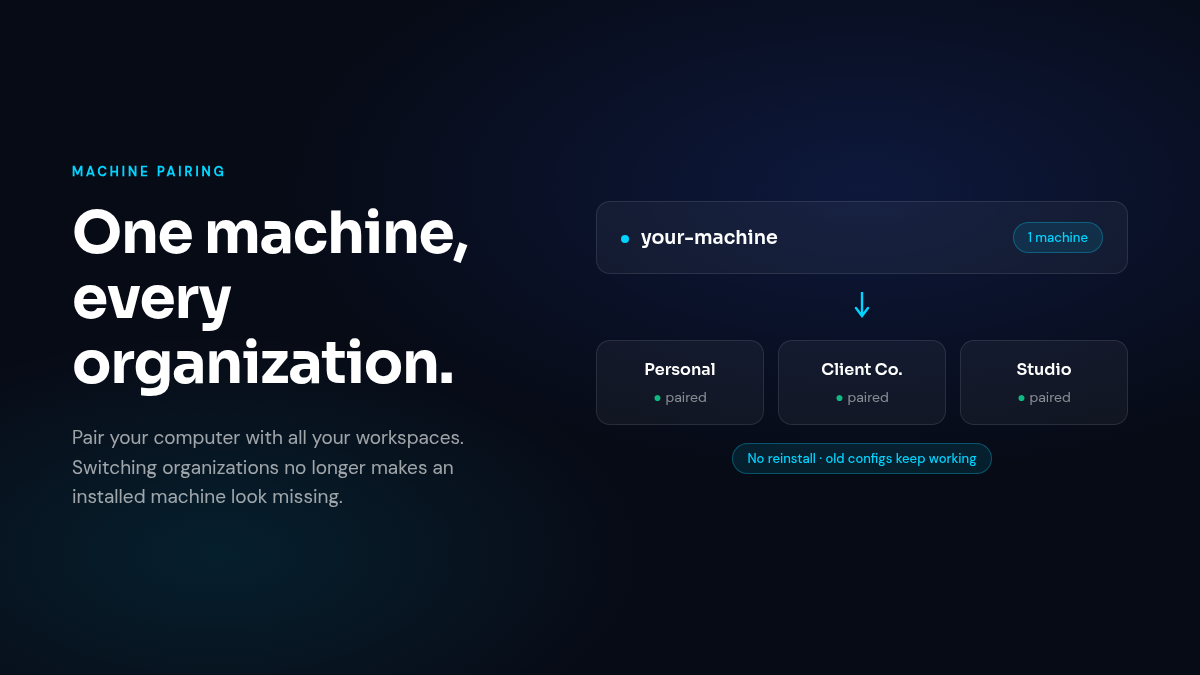
If you work across a personal workspace plus client or team organizations, your machine used to look “not installed” the moment you switched context — and pushed you back through the whole install flow. A computer can now hold pairings with several organizations at once. Existing config files keep working untouched, so nothing needs reinstalling. Your machine is set up once; it serves everywhere you work.
The ping comes to you
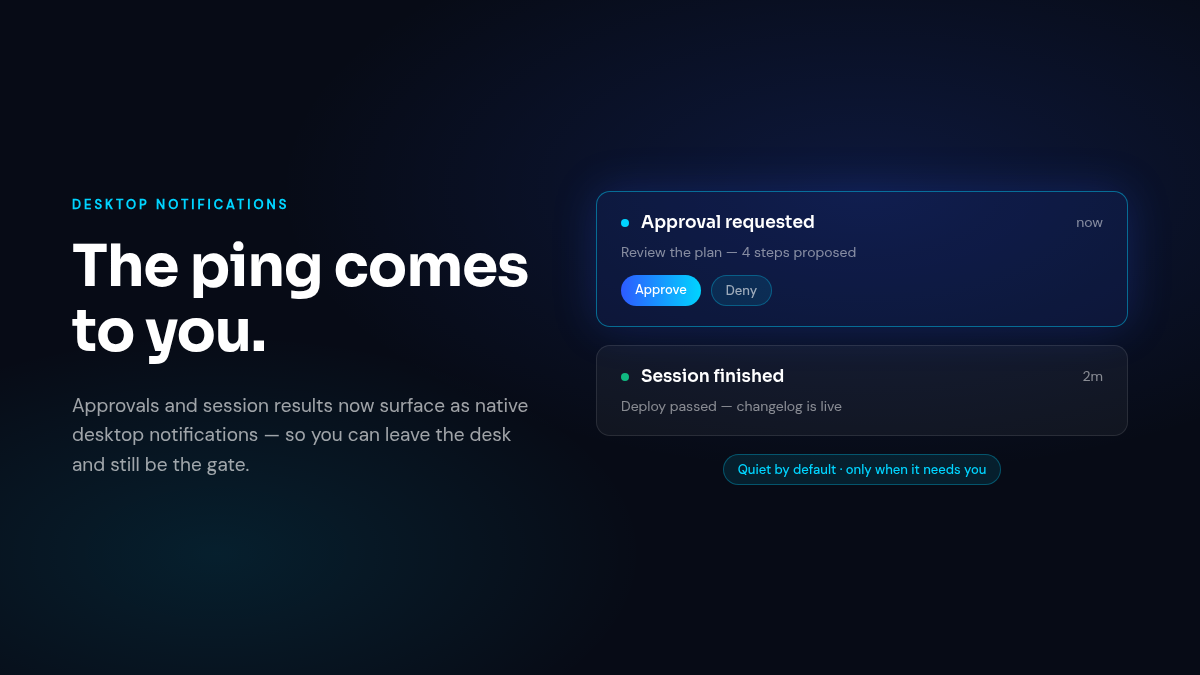
Delegating work only feels safe if the important moments find you. The desktop app now raises native notifications when a session needs your approval or finishes — success or failure. Nothing fires for sessions you’re already watching, and a failed notification never interrupts a running session. System emails got the same treatment: categories you can switch on or off. You can leave the desk and still be the gate.
Say it once
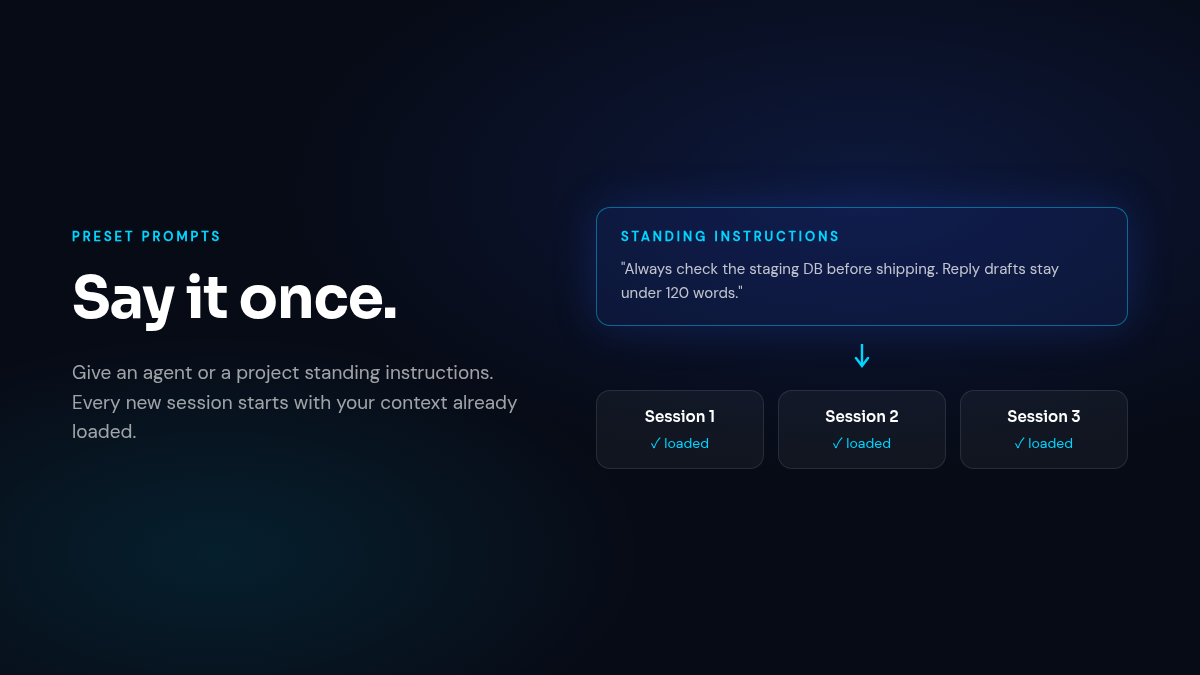
Agents and projects can now carry standing instructions — “always check staging before shipping”, “keep reply drafts under 120 words”. A session snapshots the preset when it starts, so later edits never bend work already in progress, and the instructions ride along in every turn. Home also gains a Projects list, so your local projects are one click from the front page.
A composer that keeps up
The queue was rebuilt around one rule: when you say send now, it sends now. Cmd+Enter (Ctrl+Enter elsewhere) fires your message immediately instead of parking it behind a running turn — and with an empty composer, it fires the head of the queue. Queued messages hold onto their attachments, the caret stays where you put it on touch screens, and switching a session’s model sticks.
Also shipped
- Approve and move on — plan approval joins the full-access split button: approve the plan and stop approval prompts for the session in one step, when you’re ready to trust it.
- Memos moved into Labs — the memos board is now an experiment you opt into from settings, alongside the other Labs features.
- Flatter agent pages — Skills, MCP, Credentials, Integrations, Emails, and Profile are now single-level tabs instead of nested groups.
- Local runs that stay alive — local sessions no longer die to capacity limits or queueing races, ZCode sessions recover on Python 3.12.3, and a superseded connection no longer marks a healthy machine offline.
- Quieter edges — orchestration guidance now ships inside agent prompts, browser takeover routes correctly on desktop, and mobile workspace controls got a polish pass.