CrossMind, Native On Your Desktop
CrossMind now runs as a real installed app, not just a browser tab. One installer gets you a lightweight, dedicated sign-in screen and a full dashboard that opens instantly — no waiting on a page load, no juggling browser tabs alongside your other tools. Sign-in is backed by a proper OAuth-style handshake with tokens that quietly rotate in the background, so your session stays both fast and secure without you thinking about it. The app also updates itself, checking in the background and picking up new versions automatically. iOS support is in active development as part of the same foundation.
Your Agent Now Reaches Any Local Tool
If you run a local agent alongside CrossMind, the desktop app’s daemon can now recognize and dispatch work across more than one local runtime — it’s no longer locked to a single assumption about what’s on your machine. Practically, this means the daemon adapts to whatever local coding setup you already have, instead of asking you to standardize on one tool just to get CrossMind’s local-execution features working.
Every Setting, One Place
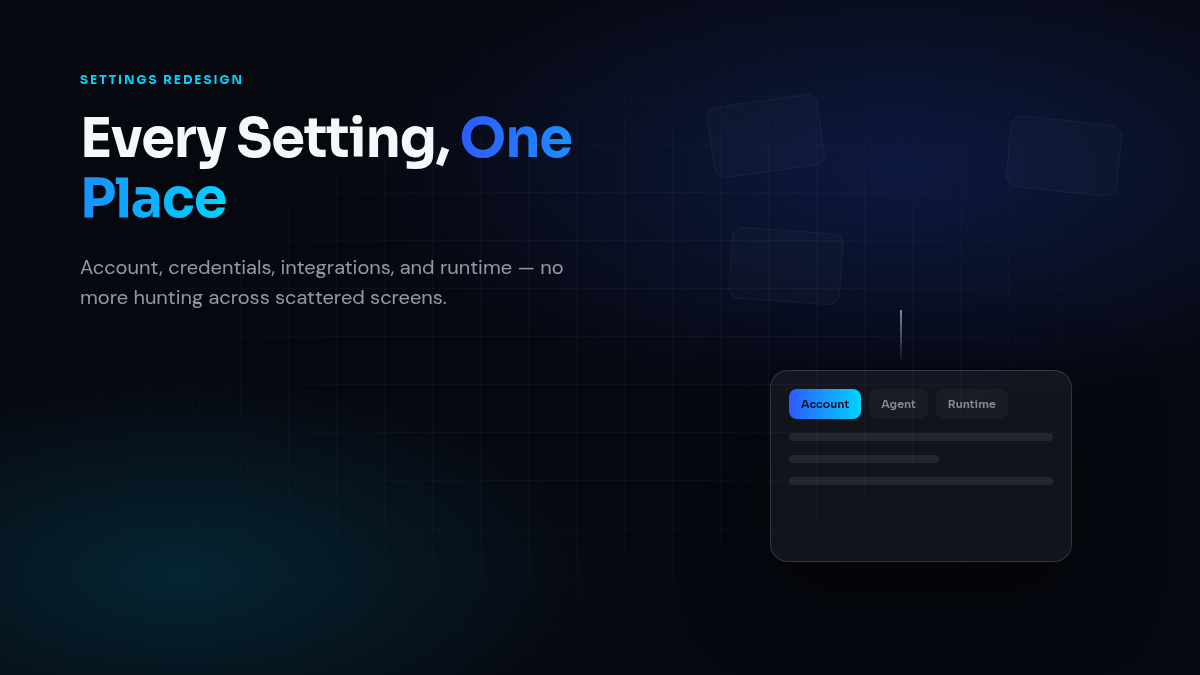
Settings used to be spread across a few disconnected screens. They’re now one tab bar — Account, Agent, Credentials, Integrations, Runtime, Appearance — so you’re not hunting for the same control in three different places. We also fixed a rough edge where the chat composer would say a session was running on “CrossMind Cloud” even when it was actually pinned to your local machine; it now correctly reflects where each session is really executing, and updates live as you switch between sessions.
Also Shipped
- Dashboard now lives at agent.crossmind.io — bookmarks and links to the old address still work; they redirect automatically.
- Early iOS groundwork: safe-area handling, bottom navigation, mobile sheets, and touch feedback tuned for a native-feeling mobile experience.
- Desktop app icons brought in line with the current CrossMind mark across every platform.