Your Content Board, Rebuilt Around Time
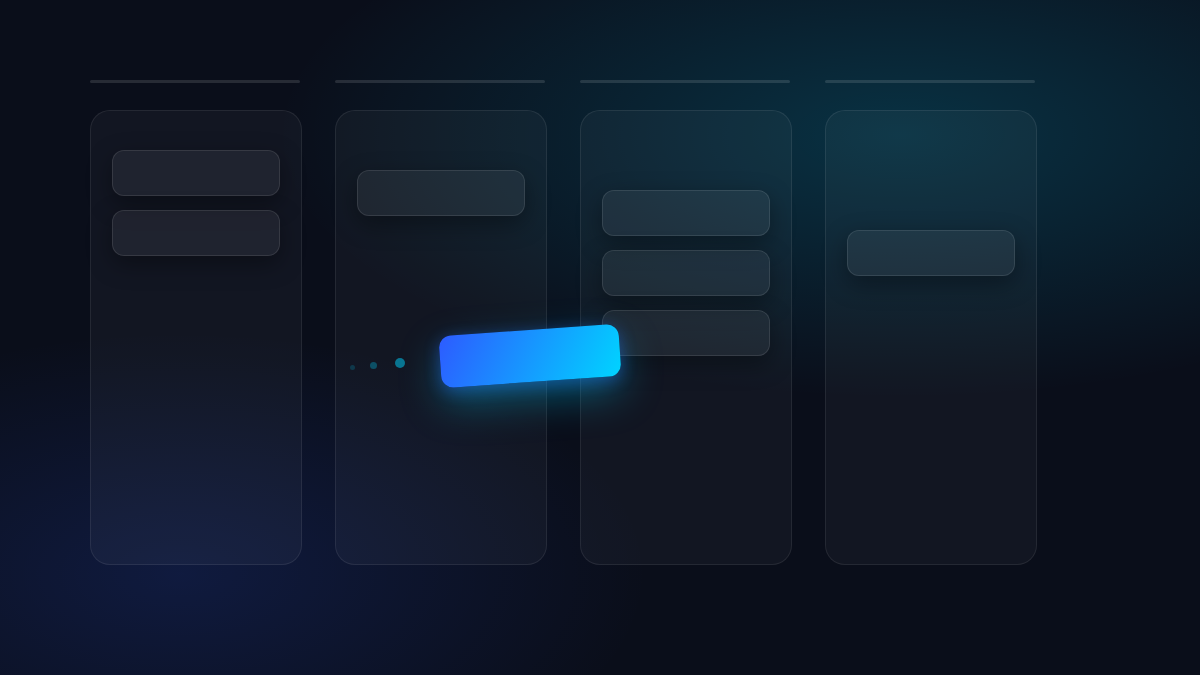
Ideas are now Topics — a small rename, but it’s part of a bigger shift in how the Draft board thinks about your work. Instead of columns for status (draft, review, scheduled), the board now groups by when: Drafting, This Week, Next Week, Future.
Drag a card between columns and it schedules, reschedules, or unschedules itself, pre-filled toward wherever you dropped it. No blind auto-commit, no separate modal — the board and the calendar are the same view now.
Cover images got a real home too. Attach one to a topic or draft and it follows the piece everywhere — kanban card, list view, channel preview — instead of needing to be re-uploaded per surface.
One Inbox for Every Reply
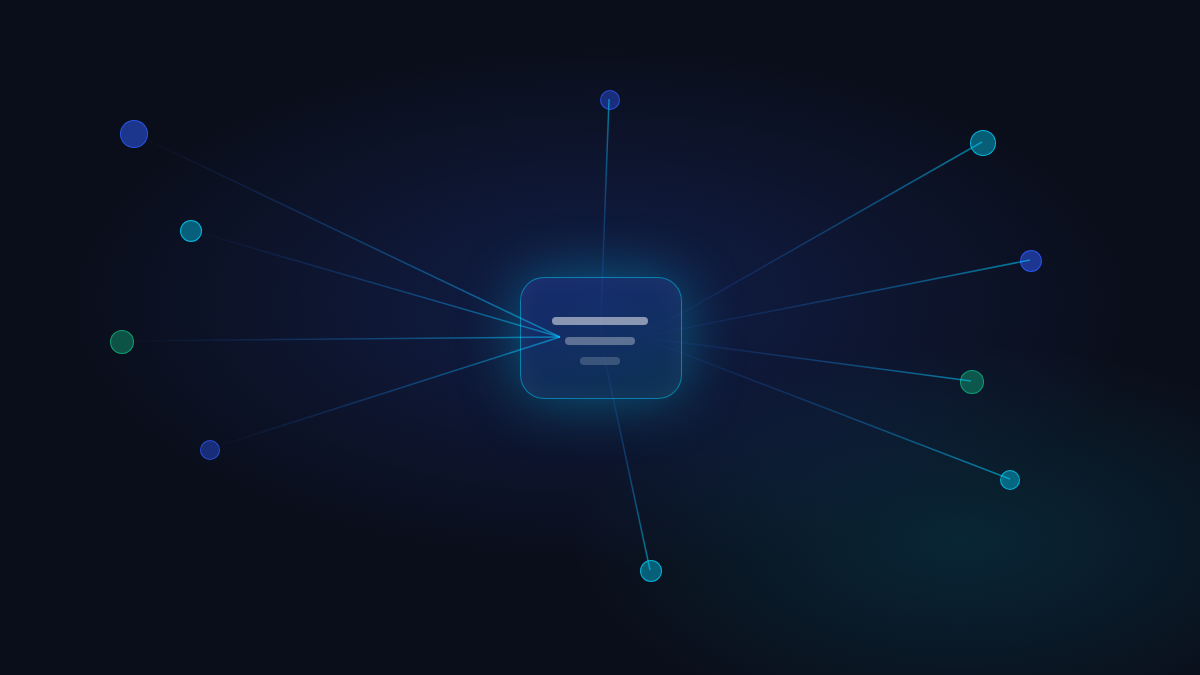
If your agent handles replies, comments, or DMs across channels, those used to live in scattered approval queues. They’re now consolidated into a single engagement inbox, with a modernized preview for each item — so reviewing a week’s worth of community replies is one screen, not five.
Approval policies got consolidated at the same time: fewer places to configure who approves what, and the platform/action filters that used to float awkwardly in the calendar body now live in the same toolbar as everything else.
Analytics That Heal Themselves

Channel analytics are now cached and pre-computed on a daily cycle instead of recalculated live on every page load — pages load faster, and a background job keeps the standard time ranges warm per agent and channel.
If a cache entry goes stale or gets missed, the endpoint self-heals: it detects the gap and recomputes automatically rather than surfacing broken numbers. There’s also a manual refresh button in Channel Insights for when you want the latest data right now.
Also Shipped
- Persistent “New draft” entry points: a toolbar button and per-column add buttons mean you’re no longer limited to creating a draft from the empty state.
- Cleaner draft creation flow: the “add draft” dialog now lets you assign a content pillar up front, with fields ordered title → pillar → channels, matching the topic dialog.
- Straight into the draft: creating a new draft now takes you directly to its detail page instead of leaving you on the list.