An Inbox for Every Agent Action
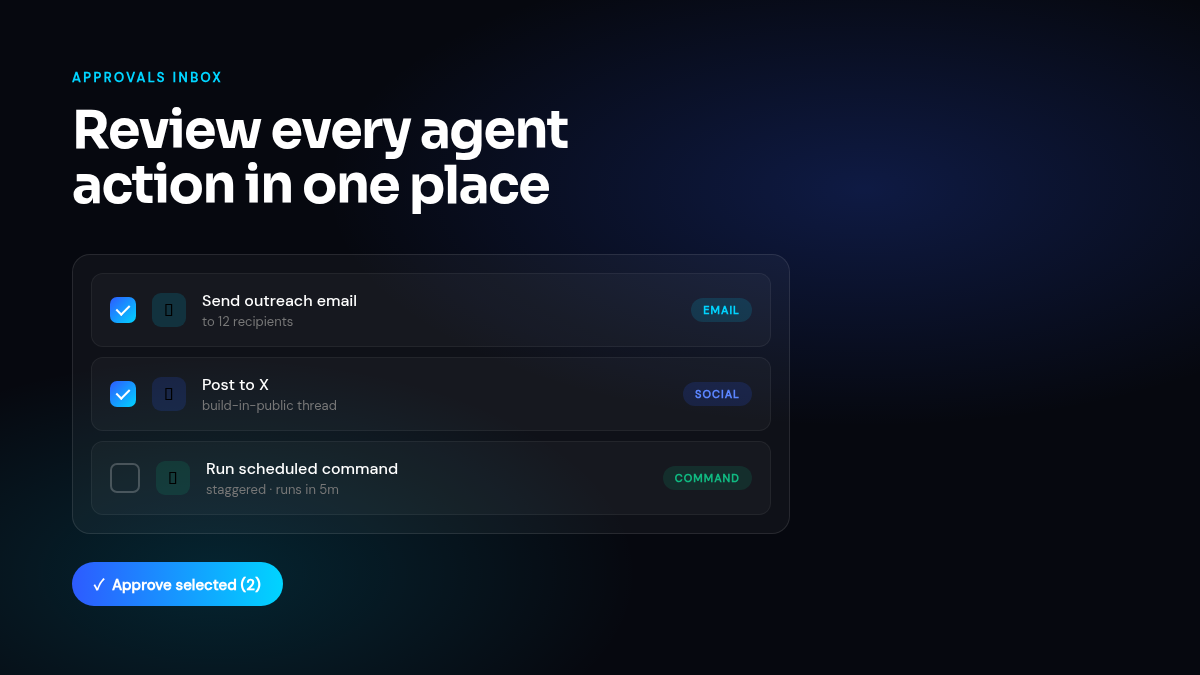
When your agent wants to send an email, post to social, or run a sensitive command, those actions now land in a single, inbox-style approval view. You can scan everything waiting for your decision at a glance, open any item to see the full content, and approve or reject in one click — or select several and act on them in bulk.
Approvals are now durable: an action you approve survives restarts and runs reliably even if it was scheduled for later. We added staggered scheduling so a batch of approved actions spaces itself out instead of firing all at once, and a daily approval-email digest so you get a clean summary instead of a flood of individual notifications. Each notification now shows which rule triggered it and the actual content involved, so you always know what you’re approving and why.
For social actions specifically, raw CLI flags are now hidden from the post body, and you can preview attached media before it goes out.
Model Tiers with Predictable Billing
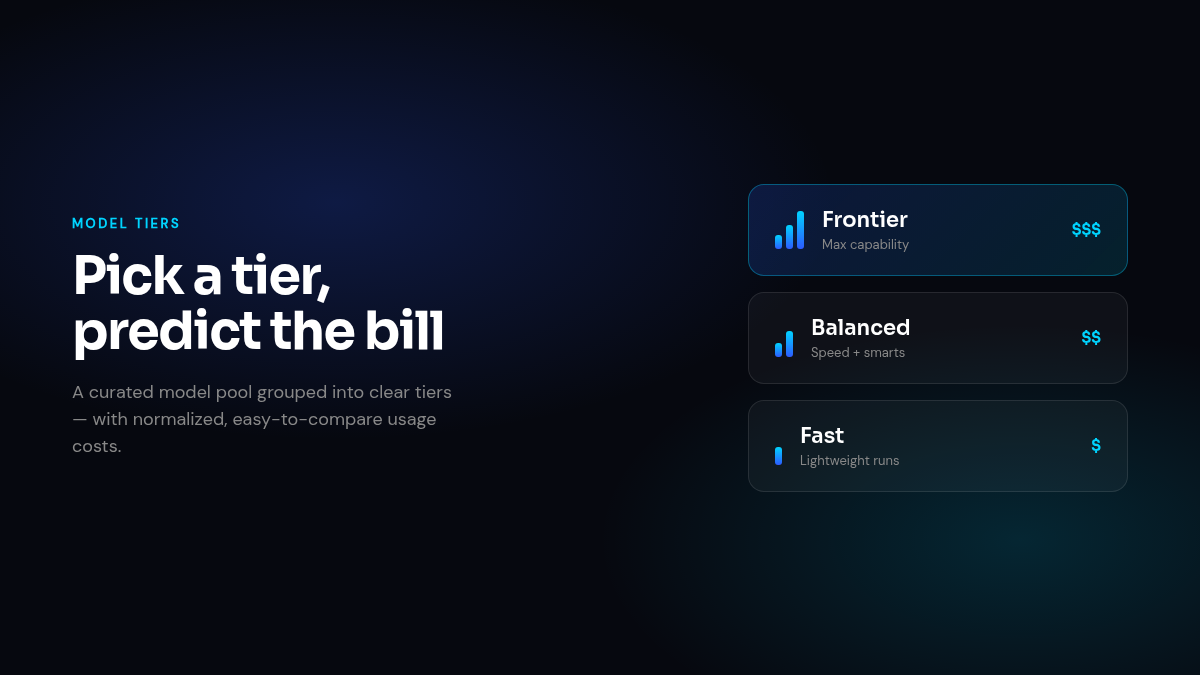
We introduced platform model tiers — a curated pool of models grouped into clear tiers — so you can choose the right balance of speed, capability, and cost for each task without memorizing model names. Billing is now normalized across the pool, which means usage costs are easier to predict and compare regardless of which underlying model a task ends up using.
Peek Into Any Session, Inline
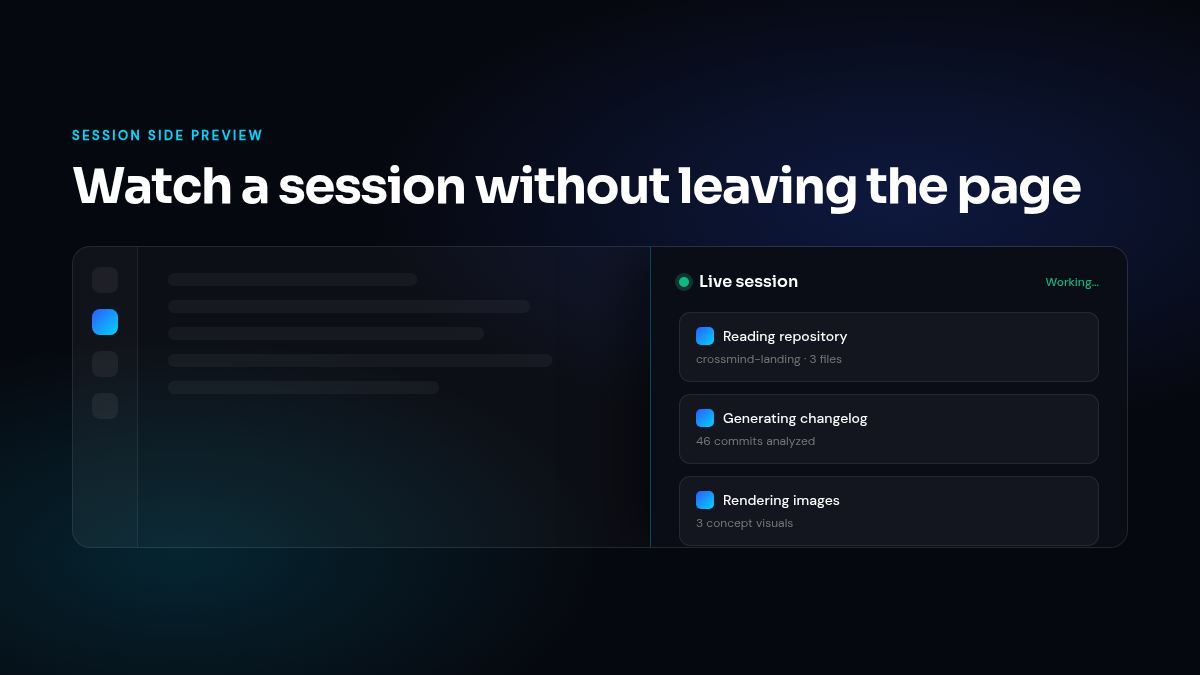
You can now open a session side preview to watch what an agent is doing without navigating away from your current page. The left sidebar collapses automatically to give the preview room, and the display adapts cleanly between active (working) and idle states so you can tell at a glance whether something is in progress. Tool cards inside the preview have been polished for working and idle sessions alike, including a dedicated Agentware preview.
Dreaming: Built-in Agent Tasks
Agents now support a platform built-in (system) task type, launching with a “Dreaming” preset. These are tasks the platform manages directly — your agent can reflect and self-organize during idle time, rather than sitting completely dormant between your requests.
Smarter Agent Health and Lifecycle
The platform now tracks an inactivity lifecycle with cached health states, so agent status is both accurate and fast to load. Admins get new health views with tenant-agent labels, failed-session aggregation, and a health filter to quickly spot agents that need attention. We also fixed founder-interaction stats to exclude synthetic system messages, so your engagement numbers reflect real activity only.
Artifact Display Modes
Database artifacts now support both card and table display modes, so you can view structured data the way that fits the moment — scannable cards for quick reads, or a dense table for detailed work. The database view got a broader polish pass alongside it.
Under the Hood
- Task page redesign: The task page is now a cleaner, tab-free two-column layout that puts plan and activity side by side.
- Copilot slash button: A new slash button surfaces your priority skills directly in Copilot for faster access.
- Tool card merging: Consecutive Read/Edit tool cards on special files are now merged into a single, less noisy card.
- Session summaries: Added cross-session item IDs and statuses, aggregated history, and a cleanup tool so recurring items stay tidy across runs.
- Design system: A broad polish pass unified headers, sidebar, and list layouts across the dashboard.
- Browser stability: Proactive stale-lock precleaning and a more reliable CDP connection path reduce browser session failures.
- Thinking indicator: Stabilized rendering so the agent’s thinking state displays smoothly.
- Production fixes: Resolved two recurring production session failures and a handful of layout and rendering bugs.