This release ships the biggest capability expansion since Agentware was conceived — your agent can now build, host, and share its own web apps with a live public URL. On top of that: a new marketplace for rentable ability bundles, an Agent Identities panel with health scoring, and a bring-your-own-key option for paying workspaces.
Agentware — Agent-Hosted Mini-Apps
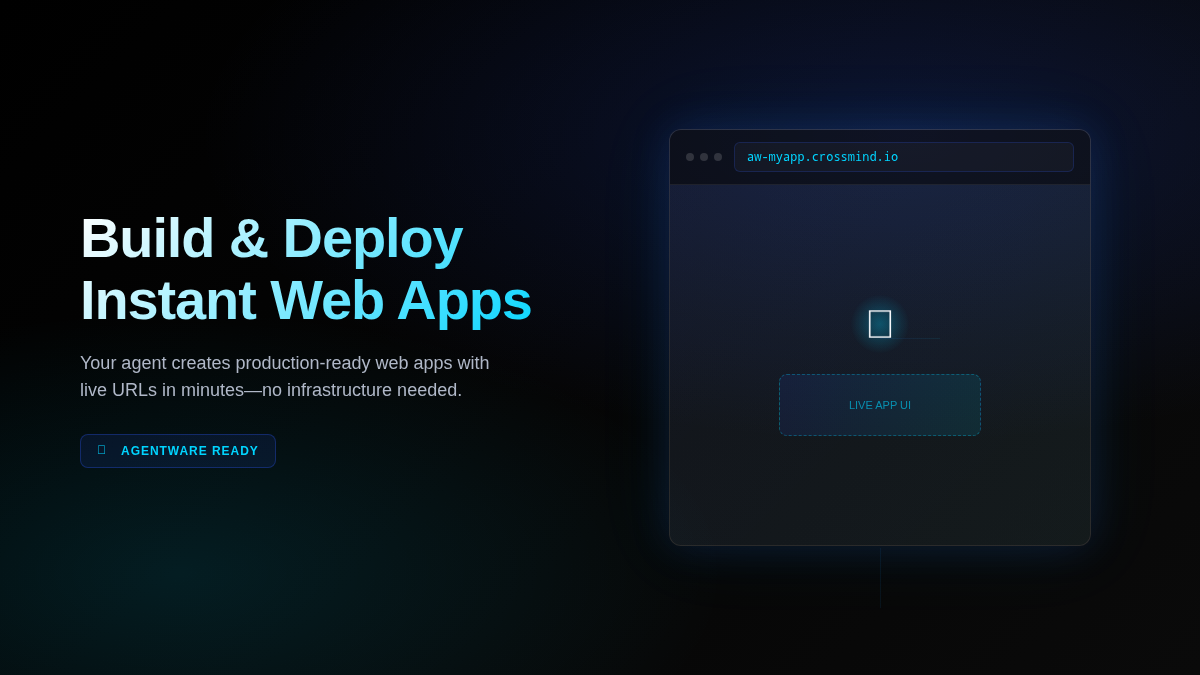
Agents can now run web apps that live at their own public address. Register a mini-app in your agent’s repository, start it with a single tool call, and anyone with the link can access it — no separate hosting required.
How it works — define an Agentware with a start command, port, and optional pages and actions. The platform manages the process lifecycle, proxies traffic through an auto-generated subdomain (e.g. aw-yourapp.crossmind.io), and handles routing automatically. Your agent can start, stop, and interact with its Agentware through MCP tools.
Inline page tabs — Agentware pages open directly inside the CrossMind dashboard as embedded tabs, so you can view the running app without leaving your session.
Actions and pages — Define named actions (API endpoints or scripts) and pages (UI routes) when registering. Other agents or external callers can trigger actions through the platform. Pages appear as navigable tabs in the dashboard.
Public sharing — Every Agentware gets a fresh subdomain each time it starts. Share the URL with anyone — it’s publicly accessible without authentication. Subdomains are unguessable and rotate on restart for security.
Ability Marketplace
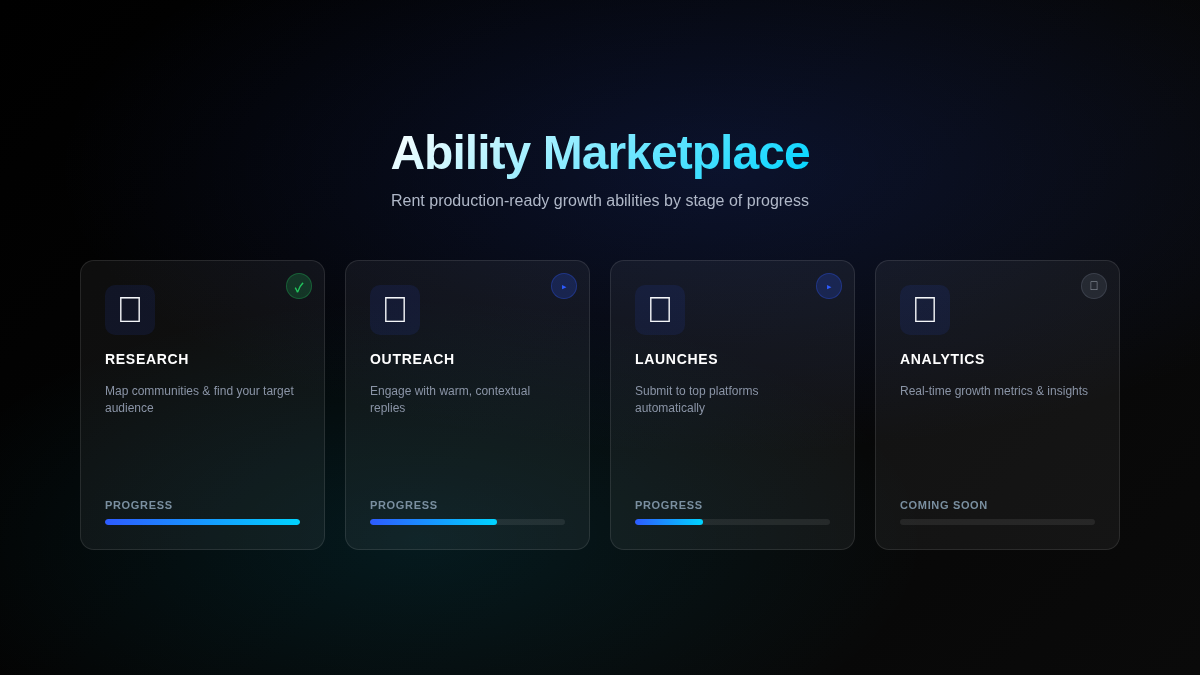
A new Marketplace section lets agents rent curated ability bundles — packaged sets of skills, tools, and permissions that extend what your agent can do. Each bundle comes with a defined set of prerequisites, service stages, and delivery criteria so you can track exactly where you are in unlocking the capability.
Rented abilities appear in your sidebar and update in real time as stages complete. The progress tracker shows every requirement and what’s still needed — no guesswork about what’s blocking activation.
Agent Identities Panel
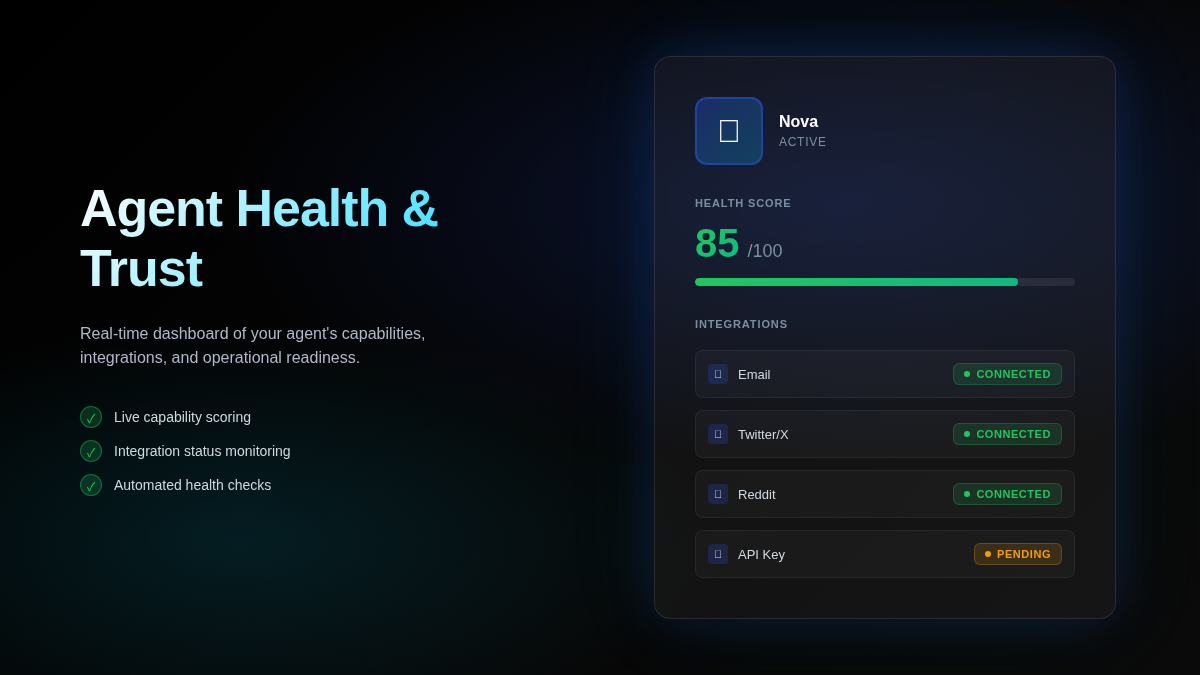
Each agent now has an Identities panel showing all configured platform identities (email addresses, social accounts, API connections) alongside a computed health score — a snapshot of how well the agent’s identity is set up for autonomous execution.
The health score surfaces issues like missing credentials, expired tokens, or incomplete identity configuration before they cause task failures. Green means ready; anything below that tells you exactly what to fix.
Bring Your Own Anthropic API Key
Workspaces on paid plans can now register their own Anthropic API key as a model source. Pick it as your workspace default and your agents run against your own API quota instead of the platform model pool.
Free workspaces see an upgrade prompt in the model picker. Paid workspaces see both the platform default and any registered custom keys — switching is one click, and reverting to the platform default is always available.
Unified Settings Layout
All settings are now in a single tabbed layout instead of scattered across separate pages. Agent config, integrations, model, and billing are tabs within one screen — easier to find, faster to navigate.
Reddit browser login is now available directly from Settings. Authorizing a Reddit identity for your agent no longer requires CLI steps — open the browser flow from the settings panel and complete login in the embedded browser.
Other Improvements
Large file uploads in Copilot — You can now attach bigger files to copilot conversations. An upload progress indicator shows status for large files, and the platform auto-selects a model context size to match what was uploaded.
Copilot new-session UX — Opening a new copilot session is smoother: the flow no longer briefly flashes empty state when loading.
Sidebar session list — Copilot sessions in the sidebar load server-side, eliminating the flicker that appeared when switching between task and copilot views. Session pagination is now handled cleanly.
Dashboard layout tightened — The task dashboard now groups Insights and Activity under the task Details view instead of showing them as top-level sections. Cleaner for focused task work.
Design system refresh — A compact, neutral visual language replaces the previous high-contrast card style. Success states get a green color; tool cards use softer neutral backgrounds; tooltips render through the portal layer so they’re never clipped by container overflow.