This release brings the biggest operational feature in a while — a complete admin dashboard for platform management — alongside a major simplification of how models are configured, and a batch of reliability fixes that address real-world edge cases.
Platform Admin Dashboard
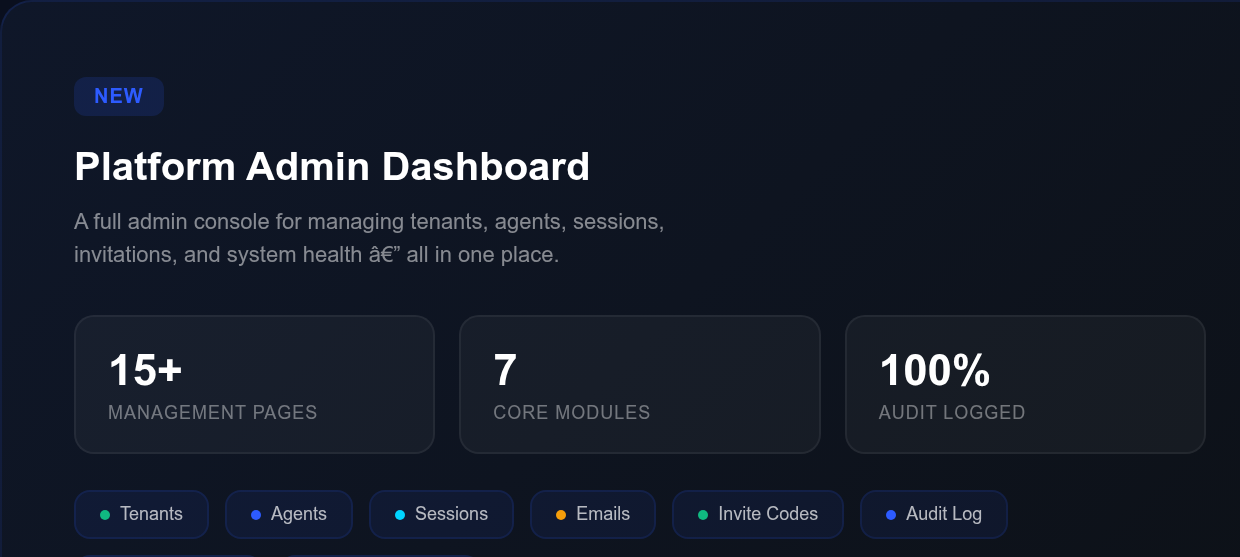
CrossMind now ships with a dedicated admin console at /admin, giving platform operators a single place to manage everything: tenants, agents, sessions, emails, invitations, system configuration, and more.
Tenant management — View all tenants with drill-down detail pages showing daily usage charts, user lists with role and status tracking, and quick actions to change tier or suspend/reactivate/delete accounts. Every change is recorded in an immutable audit log.
Agent observability — Each agent now has a behavioral dashboard with time-series charts for runs, copilot sessions, user messages, and email volume. An integration timeline shows when each connected service was authorized, its current status, and any errors — so you can spot auth issues before they block tasks.
Session and email monitoring — Browse sessions across all tenants with status filters and failure inspectors. Email monitoring shows inbound/outbound volume, message details, and a blocked-sender management tool.
Invitation codes — Generate invitation batches directly from the UI with configurable channel, grant type, and count — no CLI needed. Revoke codes individually or by batch.
System health — Live dashboard for database, scheduler, queue depth, and Anthropic gateway status, plus a feed of recent failures with auto-refresh.
Announcements — Create and manage platform-wide banners that appear across tenant layouts, with a public API for active announcements.
Cross-page navigation — Every reference to another entity (tenant name in a session row, agent ID in an email detail) is a clickable link that takes you directly there. Deep links from tenant detail to filtered agent and session lists work out of the box.
Simpler Model Management
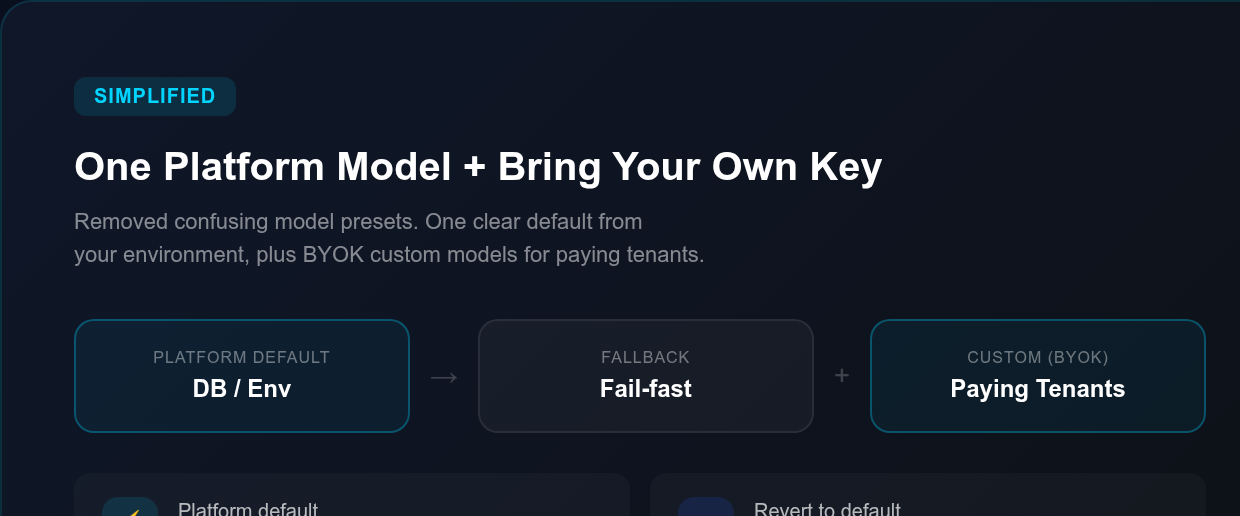
Model configuration has been overhauled to remove confusion. Instead of a preset system that mixed platform defaults with custom options, the setup is now straightforward:
Single platform model — The platform ships one default model, resolved from your database or environment variable. Subagents use their own dedicated model via ANTHROPIC_SUBAGENT_MODEL. No more preset management — one default, clear and explicit.
BYOK for paying tenants — Tenants on paid plans can register their own Anthropic API keys as custom models and pick one as their workspace default. Free users see an upgrade prompt instead of a confusing empty picker.
Revert to platform default — The workspace model picker now shows the platform default as the first option, so switching back from a custom model is one click instead of deleting the custom entry.
Email Reading That Actually Works
Large HTML emails — marketing blasts, long reply chains, formatted newsletters — were breaking the email reading view. The card would get stuck at “Reading Email…” with “(No content)” because the raw HTML body inflated the response past what the interface could parse.
Emails are now auto-converted to clean plain text, capped at 16k characters, with a truncation flag when content is trimmed. The raw HTML is no longer sent to the agent at all. Short plain-text emails that worked before continue to work exactly the same way.
Reliability Improvements
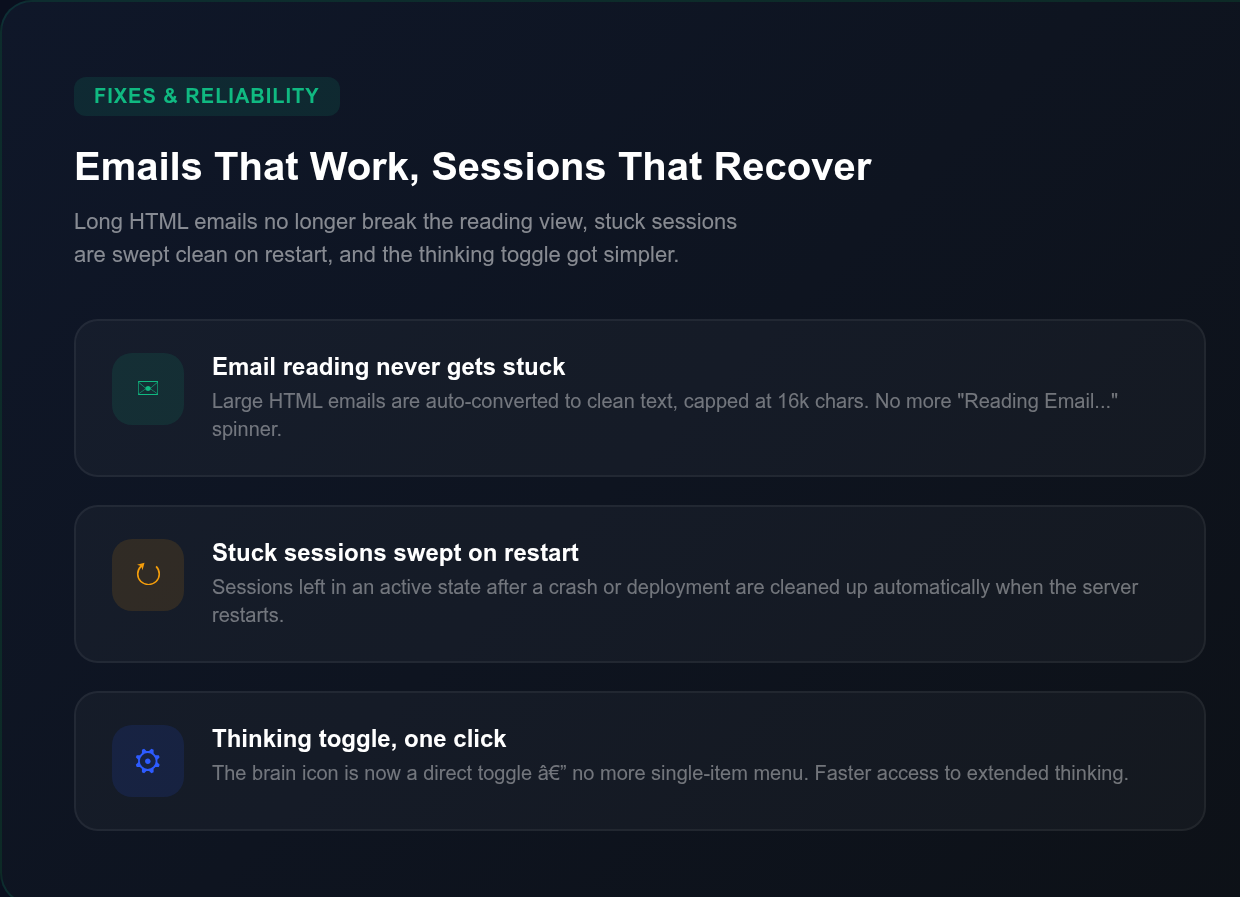
Stuck sessions swept on restart — When the server restarts after a crash or deployment, any sessions left in an active state are automatically swept to a clean terminal state. No more orphaned sessions blocking resources.
Timeout retries kept out of the calendar — Scheduled task retries triggered by timeouts no longer pollute the live calendar view with duplicate entries. The calendar shows real scheduled runs, not retry noise.
Thinking toggle simplified — The brain icon for extended thinking is now a direct toggle button instead of a single-item dropdown menu. One click to turn thinking on or off, in both the schedule modal and the copilot composer.
Security
Admin bootstrap no longer ships a default password — Fresh deployments that forget to set ADMIN_BOOTSTRAP_PASSWORD will skip auto-seeding with a clear warning instead of creating a superadmin with a publicly-known credential. Operators must explicitly set the password to enable auto-seeding.