Onboarding Rebuilt from Scratch
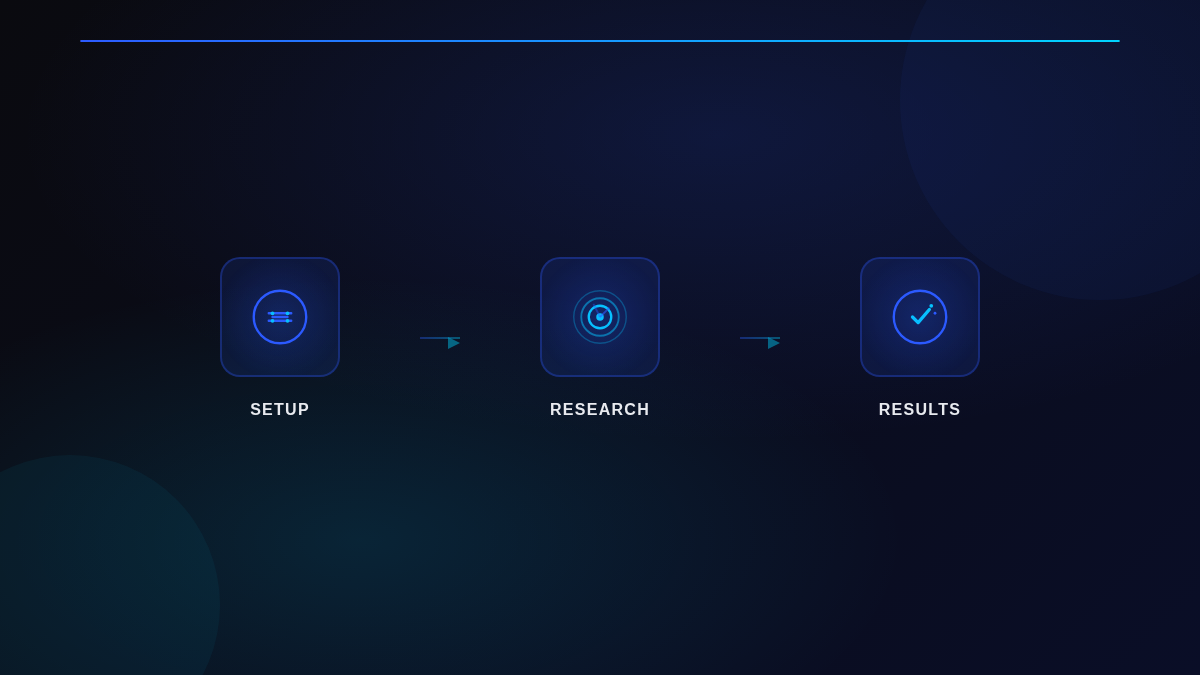
The entire onboarding experience has been rewritten. When you create a new agent, the flow now guides you through each step with clearer prompts and smarter defaults.
Previously, onboarding prompts could stall on open-ended questions or run into dead ends when a step was interrupted. The new flow keeps things moving: prompts are tighter, founder preferences are captured more naturally, and interrupted sessions resume cleanly instead of restarting from zero.
The agent setup wizard also got a structural upgrade. Scenario selection, data source configuration, and the blank-phase confirmation dialog all have sharper UX so you spend less time configuring and more time getting results.
What you notice: Setting up a new agent feels faster and more directed. You won’t get stuck on vague questions or lose progress when a session pauses.
Six Preset Dashboards for Common GTM Goals
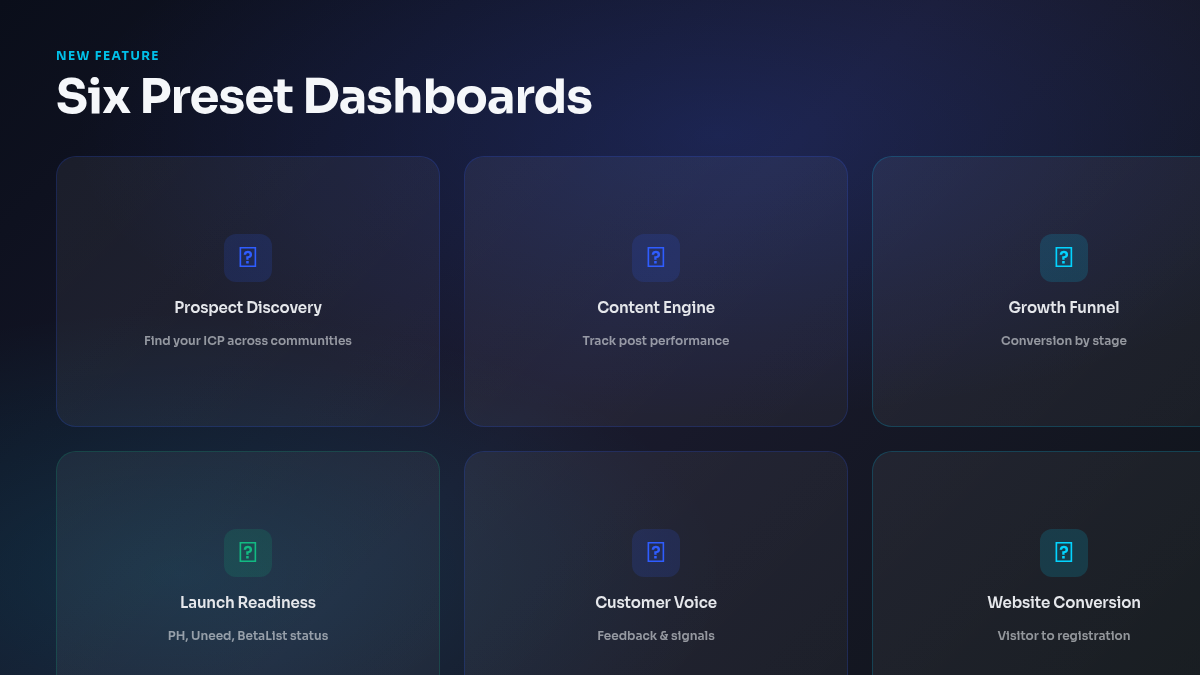
Every new task template now ships with a purpose-built dashboard instead of a generic layout. We added six differentiated dashboards tailored to specific go-to-market workflows:
- Prospect Discovery — track leads found, communities scanned, conversion signals
- Founder Content Engine — content pipeline, publishing cadence, engagement metrics
- Growth Funnel Diagnosis — funnel stage analysis, drop-off points, experiment tracking
- Launch Readiness Review — checklist progress, asset status, channel preparation
- Customer Voice Synthesis — user feedback themes, quotes, sentiment patterns
- Website Conversion Audit — page performance, CTA analysis, visitor behavior
Each dashboard is pre-configured with the right widgets and metrics for its use case. No setup required — pick a template, and the dashboard is already structured to show what matters.
What you notice: When you start a new task from a template, the dashboard immediately makes sense for what you’re trying to accomplish.
Agents Recover Instead of Failing
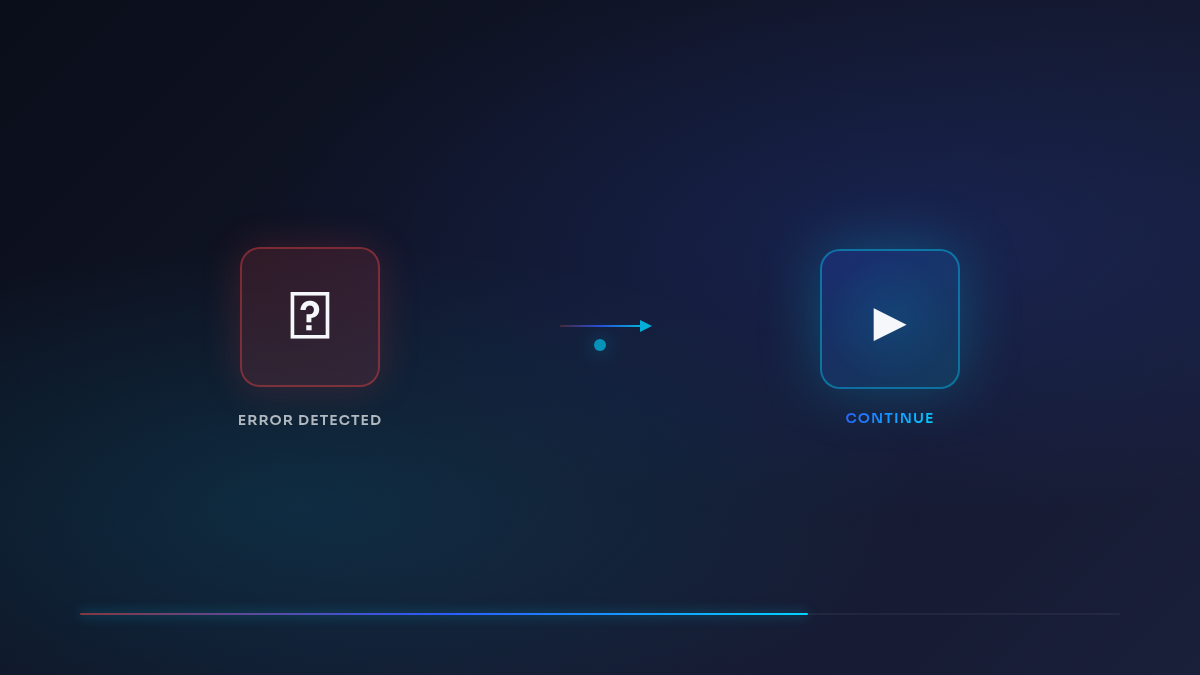
When an agent session hits a timeout or unexpected interruption, the recovery experience is much better.
The “Retry” button has been replaced with “Continue” when the agent’s work can be picked up where it left off — which is the common case. Task timeouts now show a clear, specific message (“This task took too long and paused. Continue to pick up where it left off.”) rather than a generic error.
Behind the scenes, interrupted subagent states now sync properly during recovery, so when you continue a paused session, the agent actually knows what it was doing and resumes correctly.
What you notice: When something pauses or times out, one click picks up where things left off. No confusion about whether to retry or start over.
Also Shipped
- Browser controls on schedules: each task schedule can now independently toggle local browser access and persistent browser profiles, giving you finer control over which automated runs get browser capabilities
- Email thread binding: agent emails are now threaded correctly, so replies stay in the same conversation instead of spawning separate threads
- Artifact data widget improvements: database-type artifacts render more reliably in task dashboards
- Copilot session panel fixes: conversation messages sort correctly and retry metadata attaches to the right messages